JSON API Mode
JSON API mode lets any HTTP client send requests to your Endpoint and receive JSON responses.
Enabling JSON API mode
Open the Endpoint in RuleX Admin and enable JSON API under the Modes section. Then assign an API Config to the Endpoint. The API Config provides the API key that clients must include with every request.
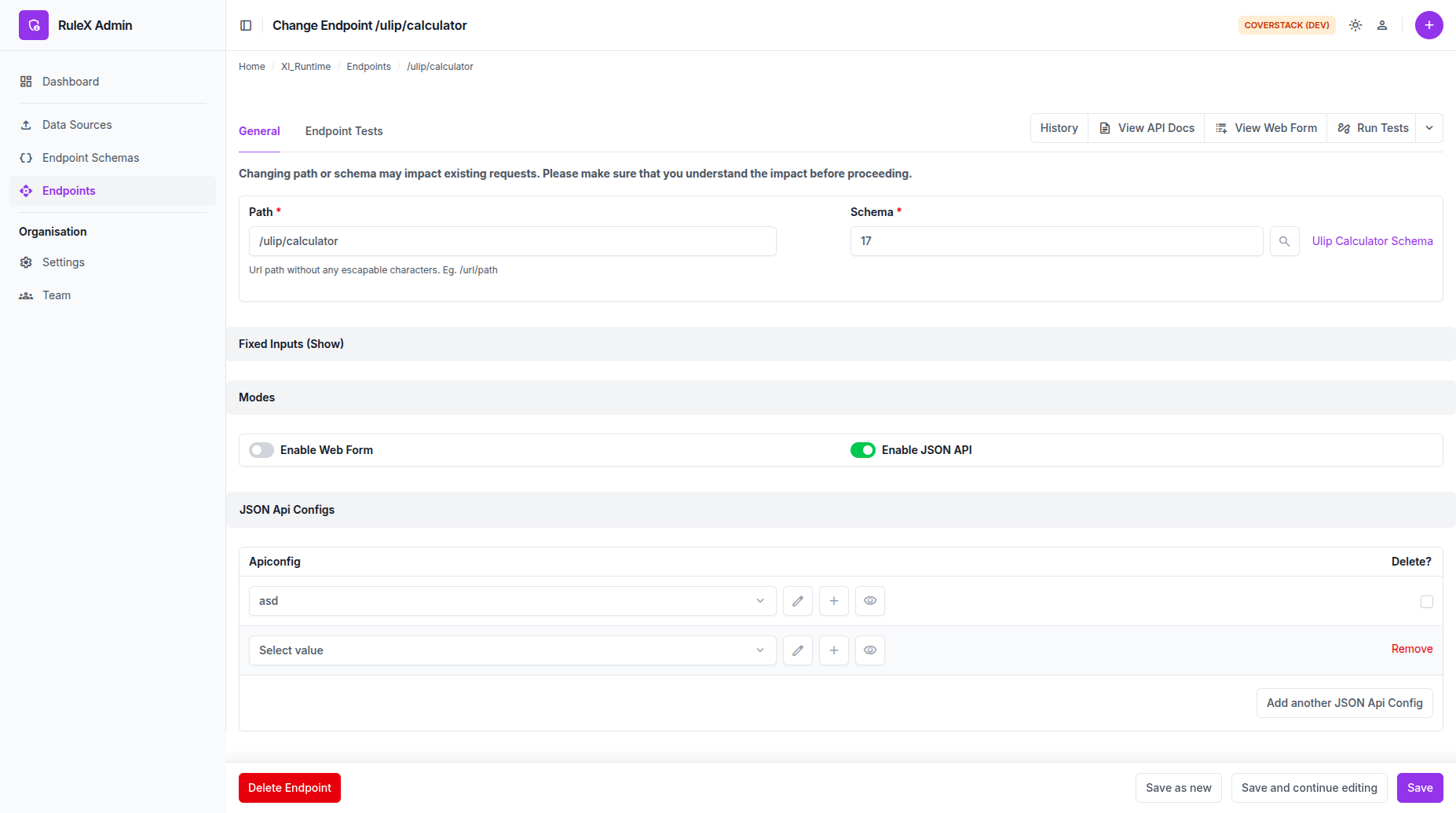
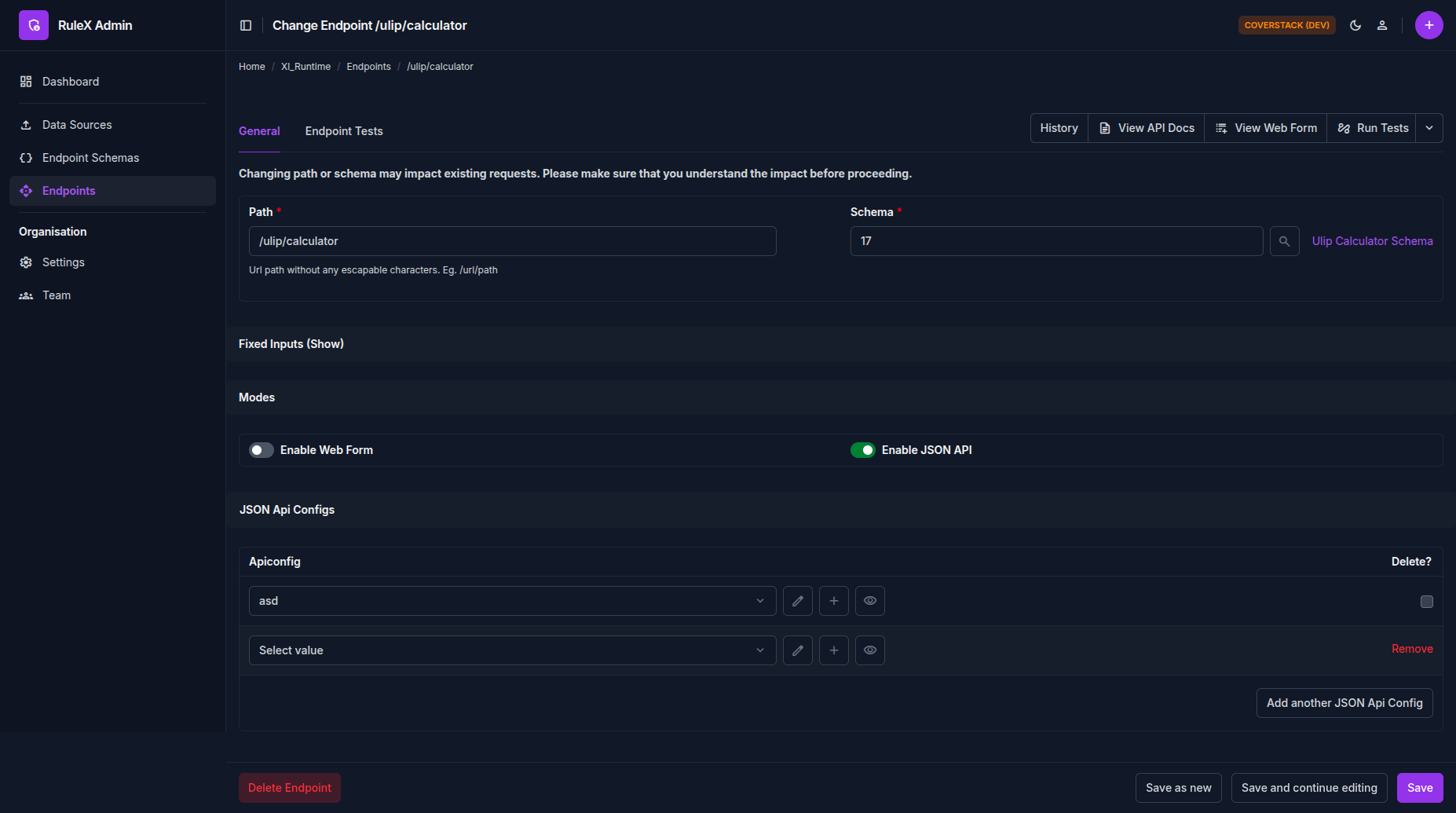
The Endpoint is not reachable until both conditions are met: the Data Source has finished compiling, and an API Config is assigned.
Making a request
Send a POST request to your Endpoint URL with Content-Type: application/json.
The request body is a JSON object with the Schema input field names as keys.
POST https://example.rulex.coverstack.in/calculate/price
Authorization: Bearer <your-api-key>
Content-Type: application/json

{
  "quantity": 10,
  "unit_price": 4.5
}
The response is a JSON object with the Schema output field names as keys.
{
  "total": 45.0,
  "discount": 0.0
}
Optional inputs can be omitted from the request body.
API docs
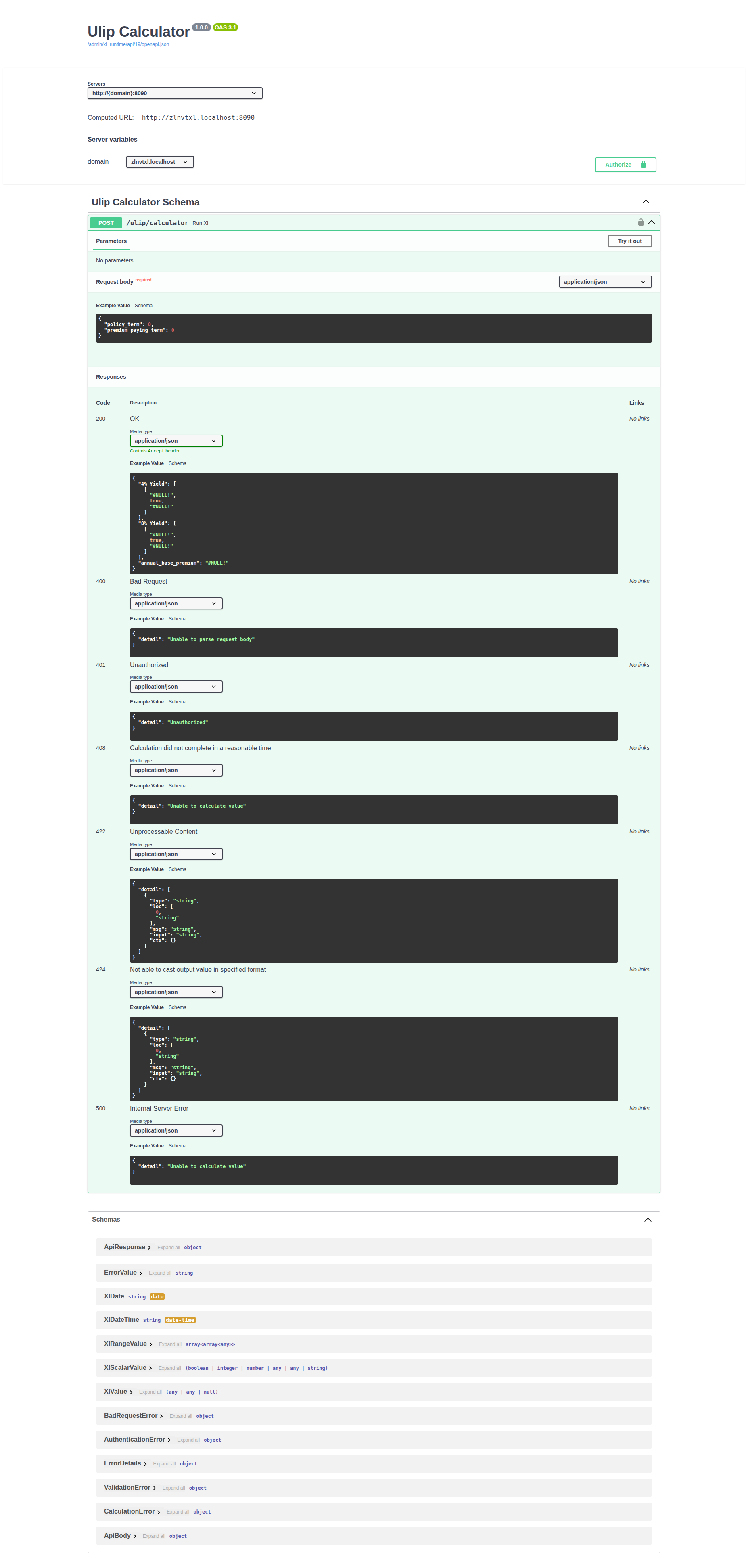
Each JSON API Endpoint has a Swagger UI page where you can explore the request and response schema and try out calls directly from the browser.
Open the Endpoint in RuleX Admin and click View API Docs.