Team Management
The Team section in RuleX Admin is where you manage who has access to your Organisation and what they can do.
Members
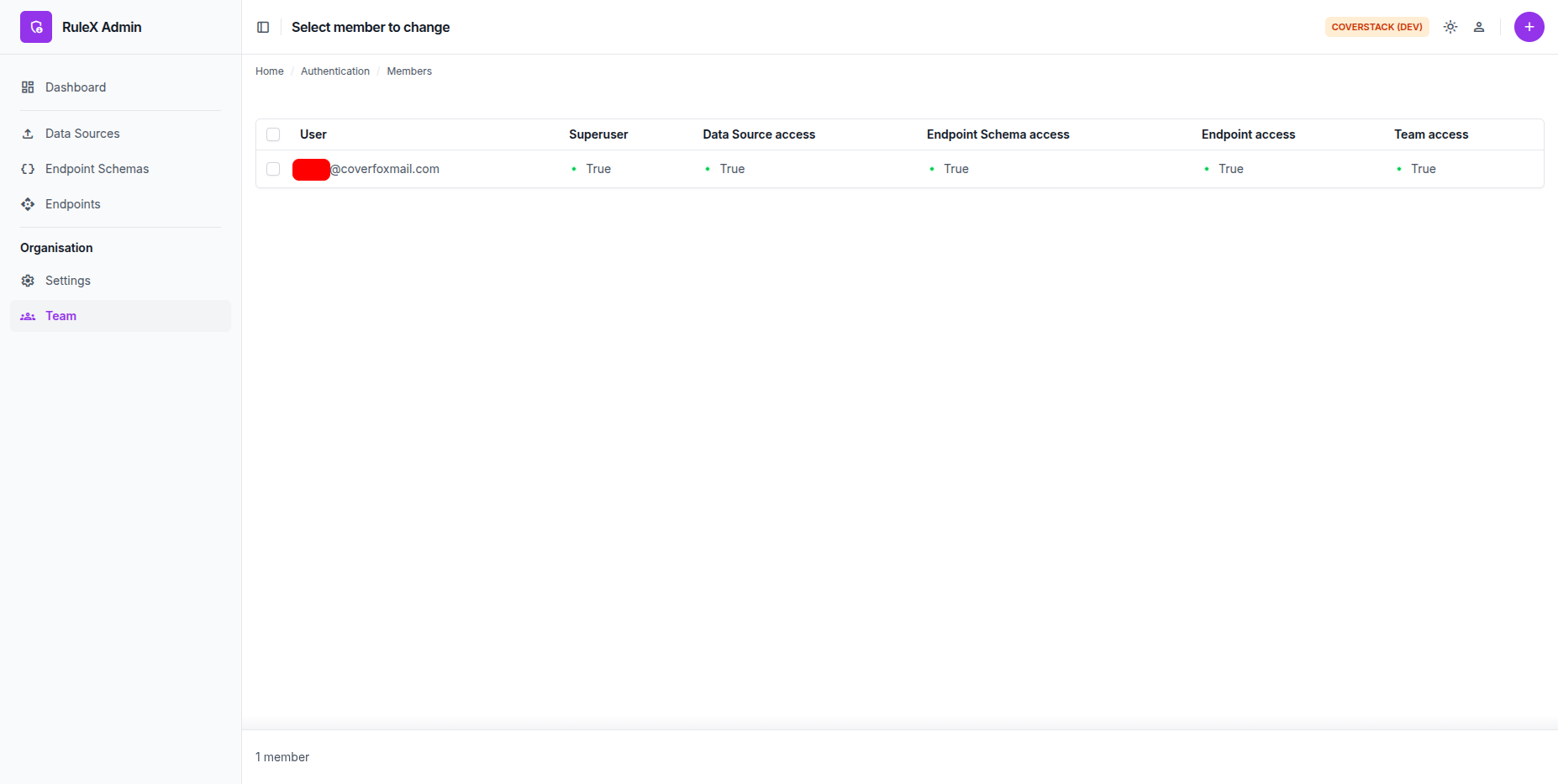
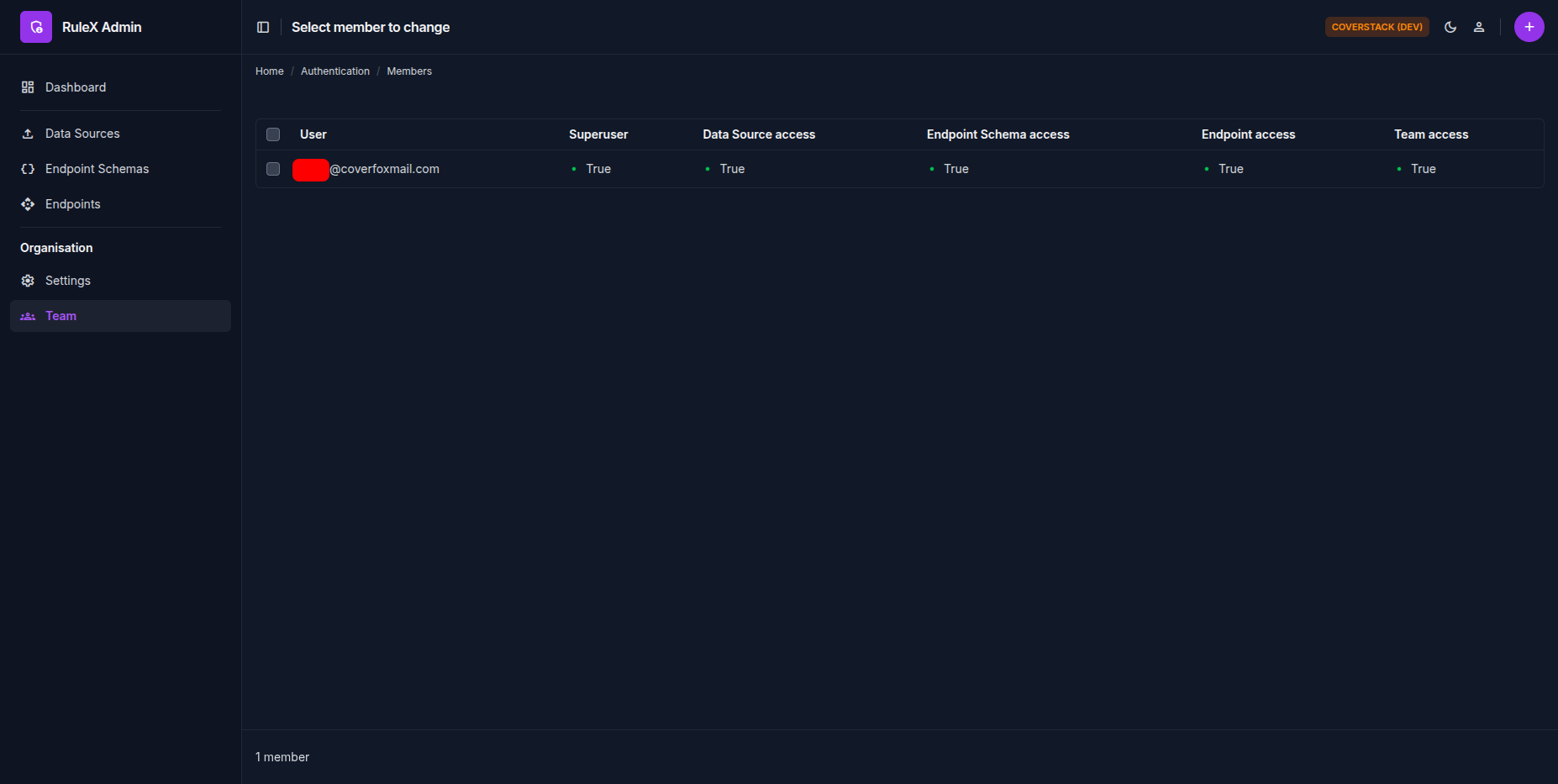
Each person in your Organisation is a Member. Members log in to RuleX Admin using their own account.
Inviting a member
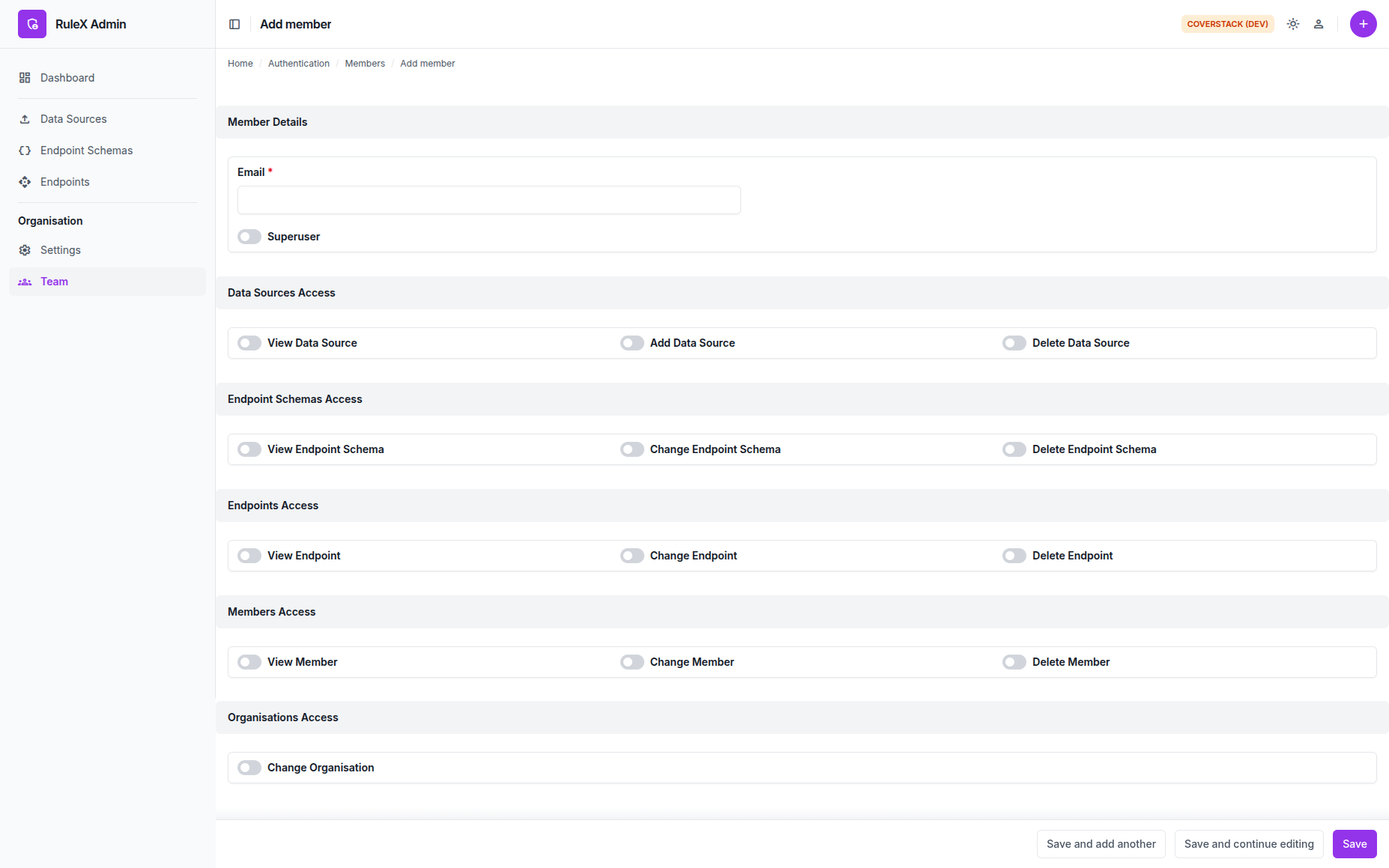
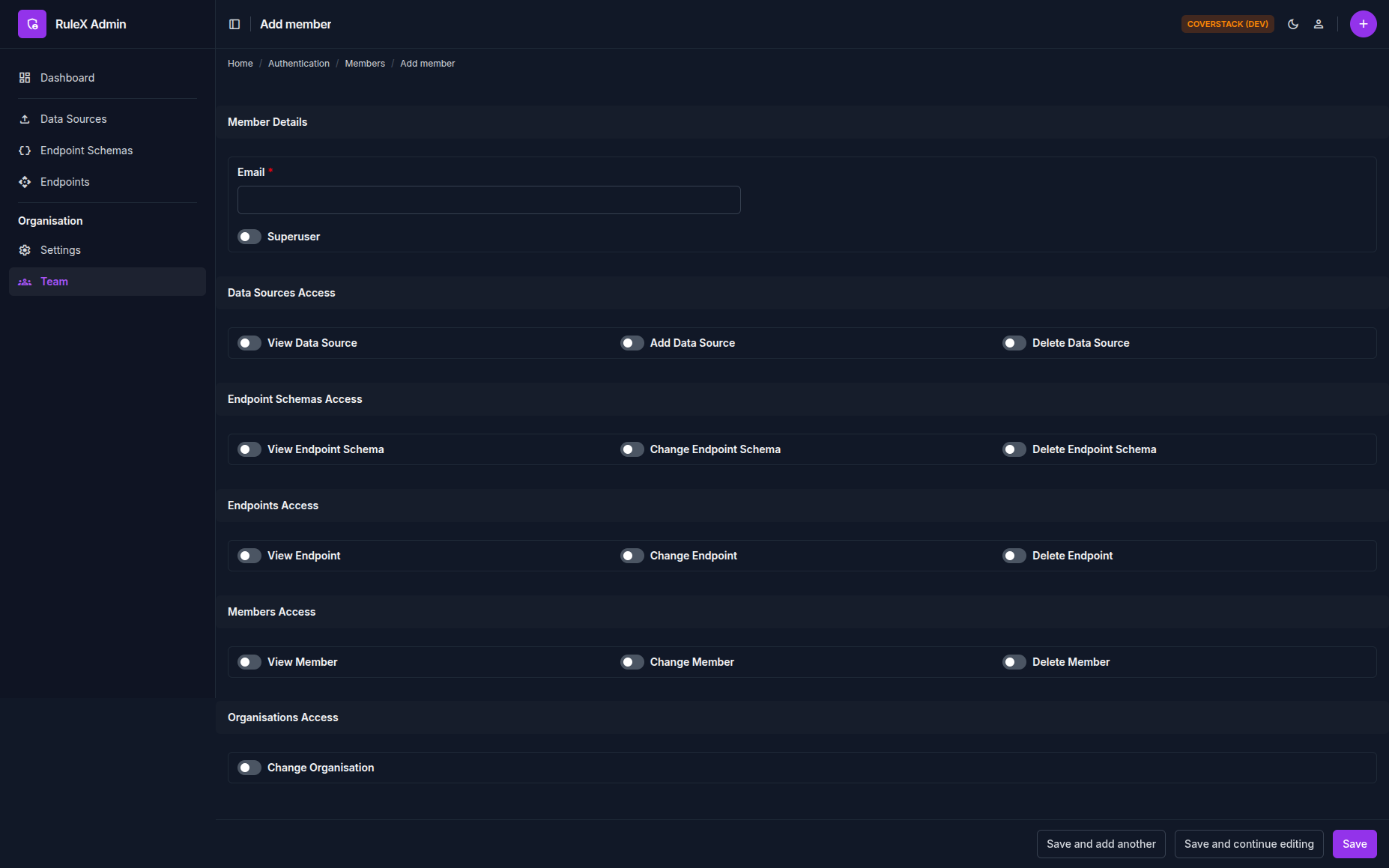
Click Add Member and enter their email address. They receive an invitation and gain access after accepting it.
Note
A user can only belong to one organisation. If they are already part of another Organisation, they cannot be invited to your organisation.
Permissions
Each Member has one of two access levels:
Superuser: full access to everything in RuleX Admin, including managing other Members.
Non-superuser: access is controlled by the following permissions:
| Permission | What it covers |
|---|---|
| Data Source access | Viewing and adding Data Sources |
| Endpoint Schema access | Viewing and editing Endpoint Schemas |
| Endpoint access | Viewing and managing Endpoints |
| Team access | Viewing and managing other Members |
| Organisation access | Change organisation settings |
Assign these permissions when adding the Member, or edit them later from the Member detail page.
Restrictions
A Member cannot edit their own permissions or remove themselves from the Organisation. Only a Superuser can change another Member's Superuser status.