8. Write Tests
Full access feature
Endpoint Tests require full hosted access. Learn more
Before you deploy to your bank partners, validate the model against a set of known inputs and expected outputs. Endpoint Tests let you do this in bulk: you upload an Excel file where each row is a test case, and RuleX returns a results file with the outputs filled in.
Prepare the test file
- Open the
/savings/projectionEndpoint in RuleX Admin. - Under the Run Tests dropdown, click Download Sample Test Excel.
The sample file has one column per Schema input with the headers already set:
principal, annual_rate, and years.
Add your test cases, one row per case:
| principal | annual_rate | years |
|---|---|---|
| 10000 | 0.05 | 10 |
| 5000 | 0.04 | 5 |
| 20000 | 0.06 | 15 |
Save the file.
Run the test
- Click Upload Test Excel and select your file.
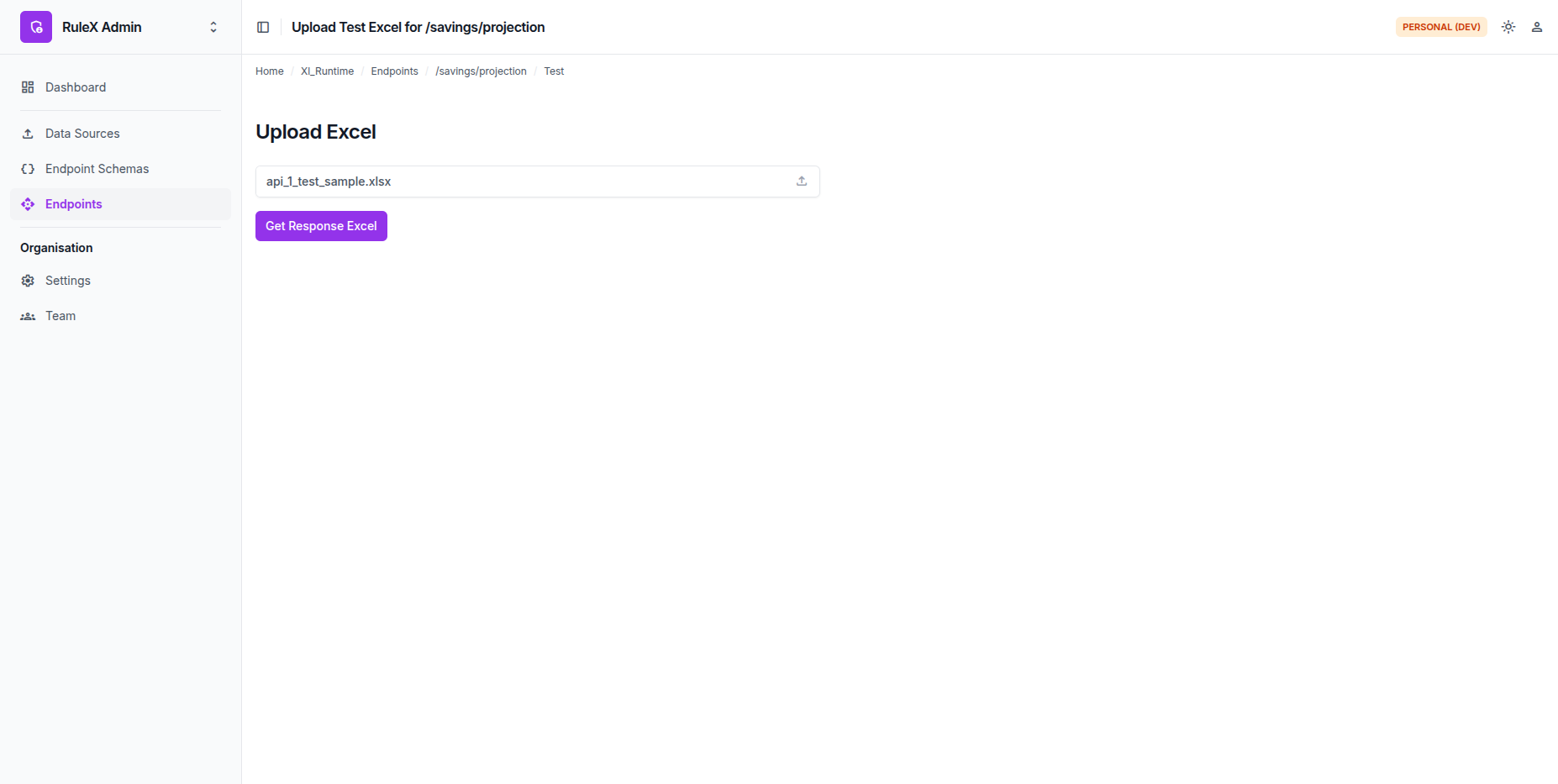
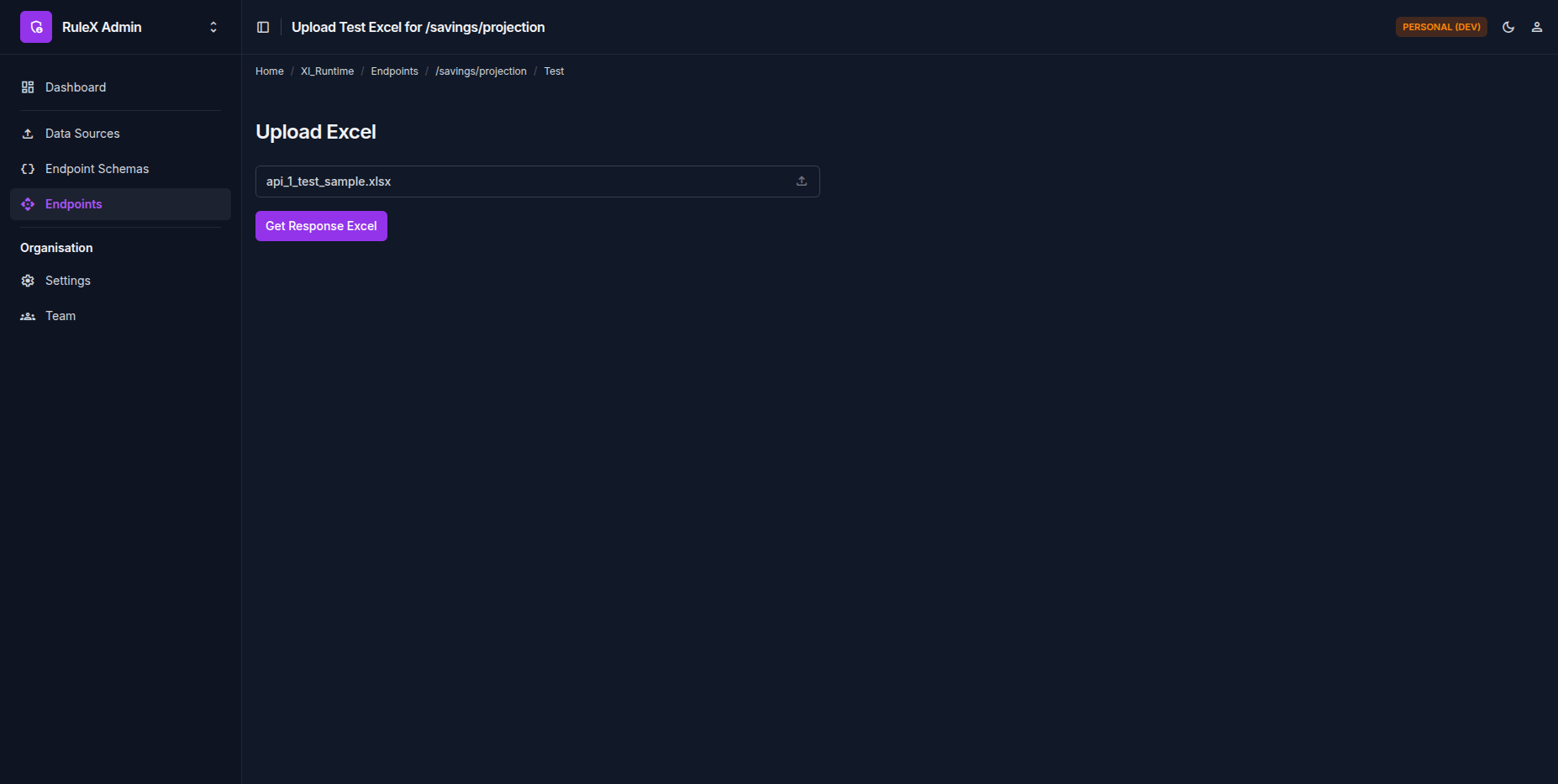
RuleX processes every row. The test moves through Pending, Executing, and Completed.
Download the results
Once the status is Completed, click Download.
The results file is your original Excel file with two new output columns appended. For the test cases above, the expected results are:
| principal | annual_rate | years | final_amount | interest_earned |
|---|---|---|---|---|
| 10000 | 0.05 | 10 | 16288.95 | 6288.95 |
| 5000 | 0.04 | 5 | 6083.26 | 1083.26 |
| 20000 | 0.06 | 15 | 47931.16 | 27931.16 |
If a row fails a Data Validation rule, it is highlighted with an error note. Fix the input data and re-run before deploying to your bank partners.
The savings growth model is now running as a JSON API for your bank partners, with promotional rates locked in per partner, and as a web form for customers, all from a single Excel file.