7. Publish a Web Form
Full access feature
Web Form Mode requires full hosted access. Learn more
In the previous steps you set up a JSON API for your bank partners. Now you will publish a web form on the same model so customers can use the calculator directly in the browser, without writing any code.
Enable Web Form Mode
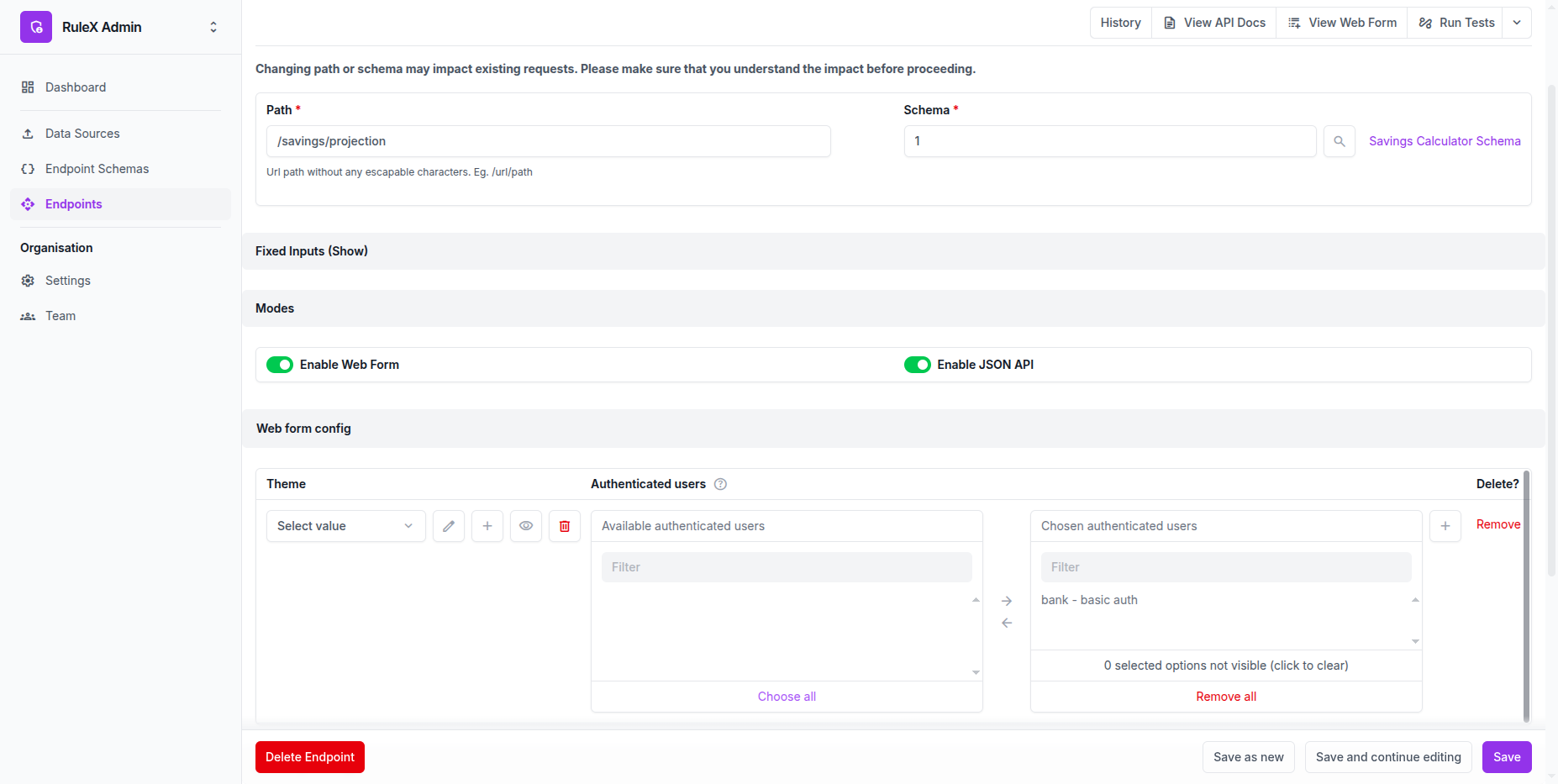
- Open your
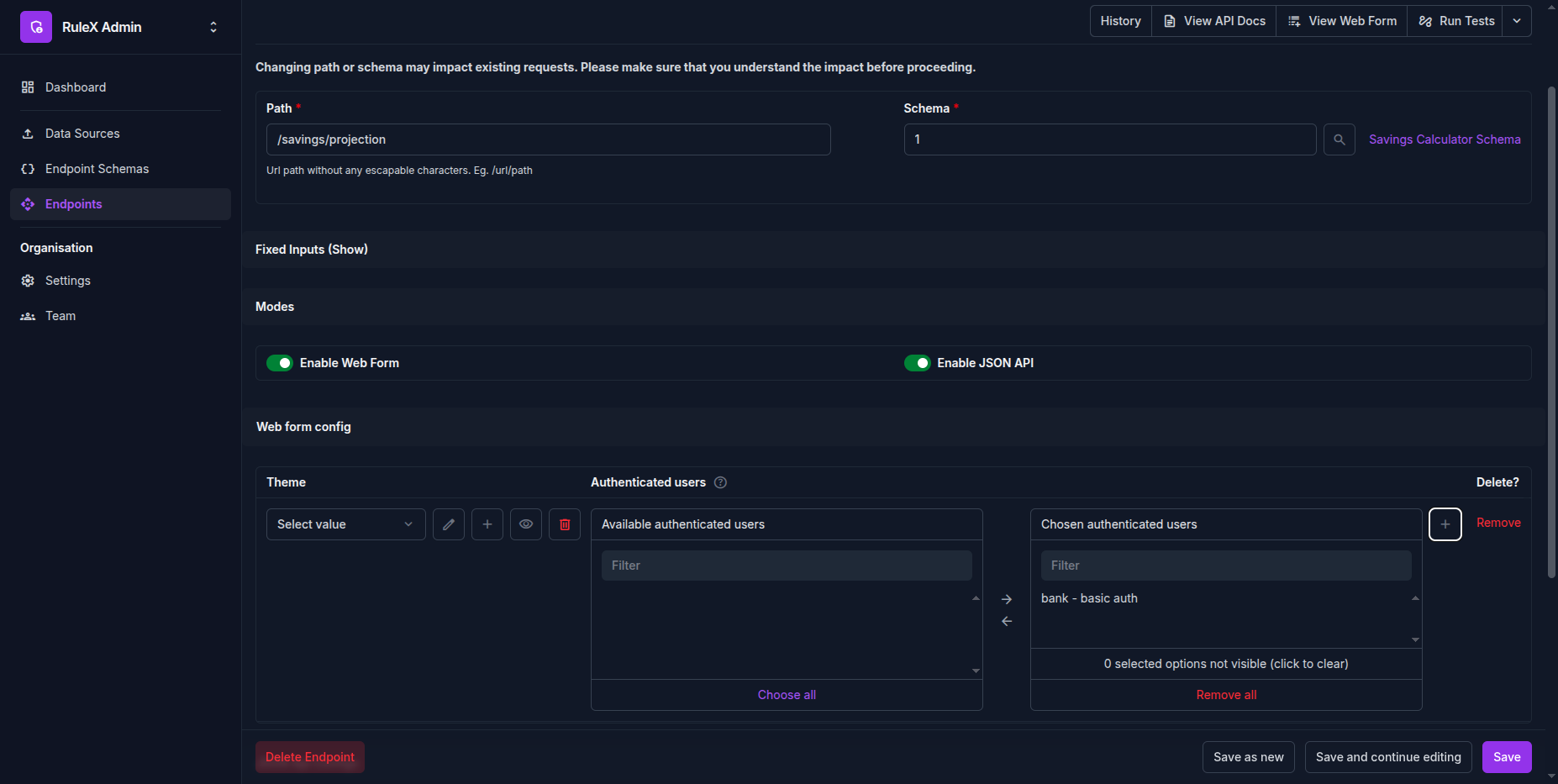
/savings/projectionEndpoint in RuleX Admin. - Under Modes, enable Web Form.
- Under Authenticated Users, add a Web Form Credential. This is the username and password your customers will use to log in.
- Click Save.
Share the form with customers
- Click View Web Form on the Endpoint page.
The form opens in your browser. It has one field for each Schema input:
principal, annual_rate, and years.
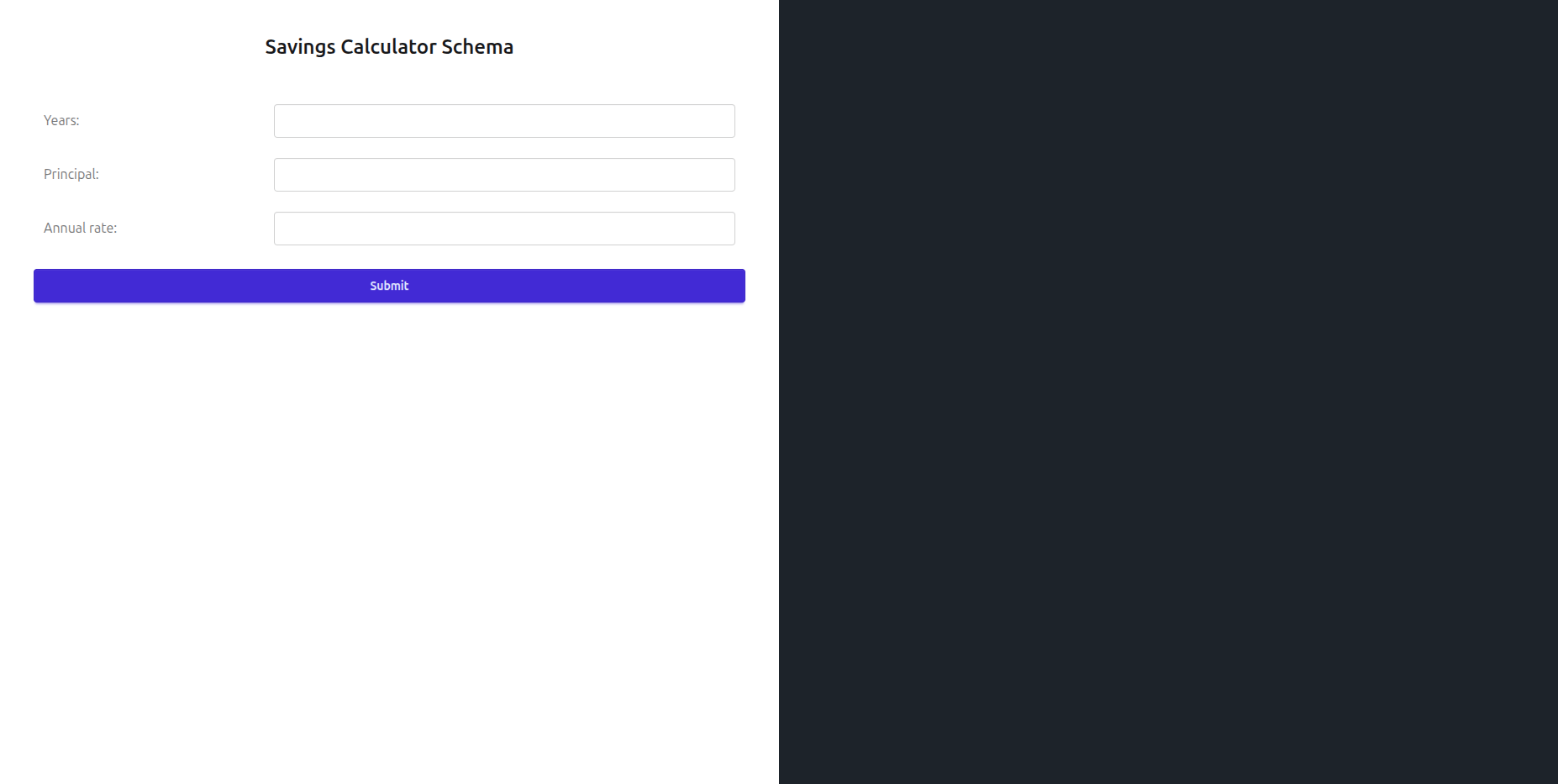
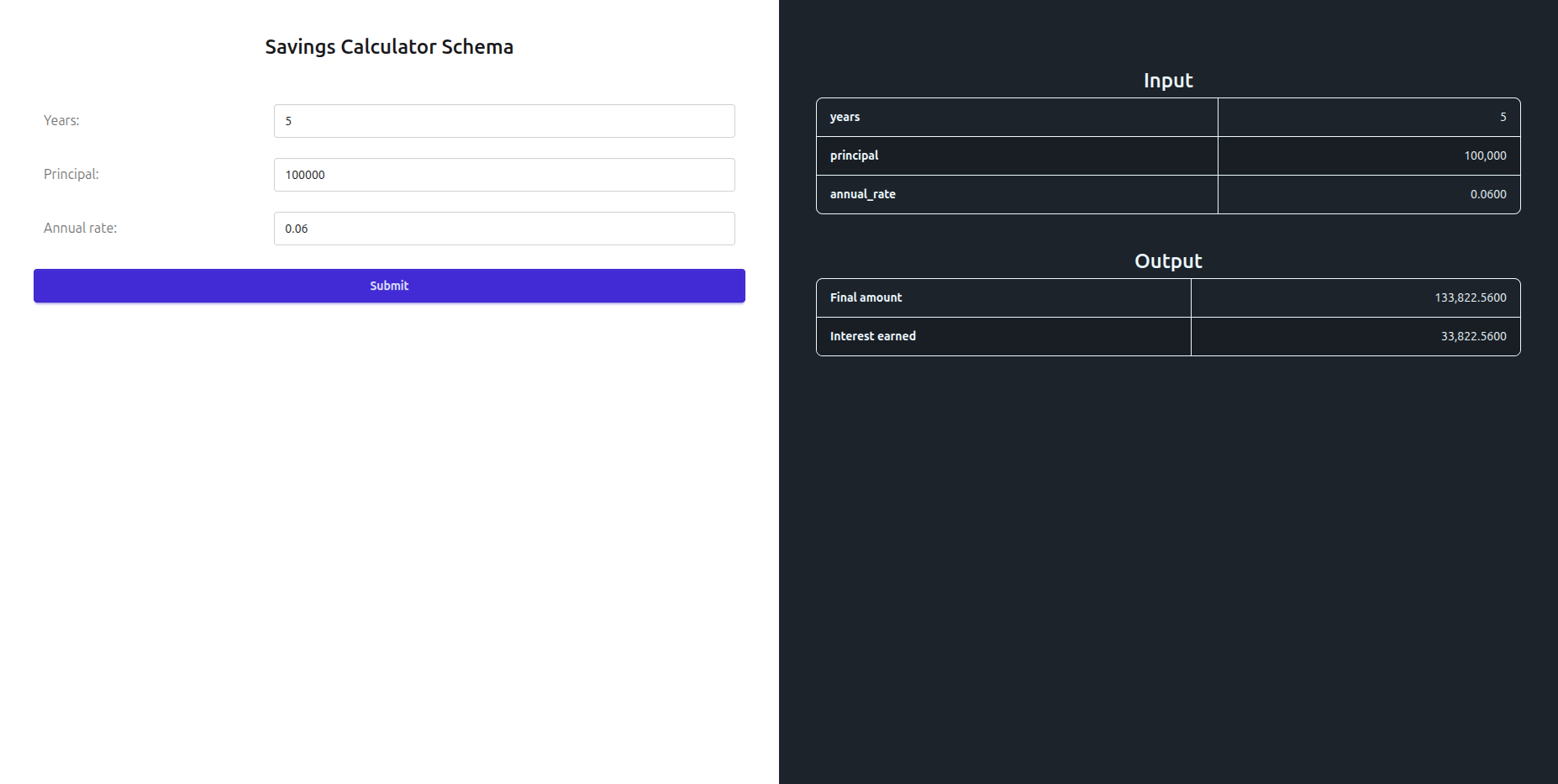
Customers fill in the fields and click Submit. The results appear beside the form.
Share this URL with your customers. When they open it, they will be prompted to log in with the credentials you configured under Authenticated Users. Anyone with valid credentials can access the form.
Note
If you add a fixed input to this endpoint, those fields will not appear in the form. Customers only see and interact with the inputs that are not locked in.