Web Form Credentials
Full access feature
Web Form Credentials require full hosted access. Learn more
Web Form Credentials control who can access the web form for an Endpoint. Visitors must log in with a username and password before they can see the form.
Creating credentials
Go to the Endpoint in RuleX Admin and click the plus button (+) in Authenticated users field of Web form config section. Enter a username and password, and save.
Credentials are separate from RuleX Admin accounts. They are only for controlling access to the web form.
Assigning credentials to an Endpoint
Open the Endpoint and find the Web Form Config section. Add one or more credentials to the Authenticated Users field.
You can assign different credentials to different Endpoints. Each credential can also be assigned to multiple Endpoints. You can also assign multiple credentials to a single Endpoint.
The login flow
Visitors who are not logged in see a login page when they open the web form URL.
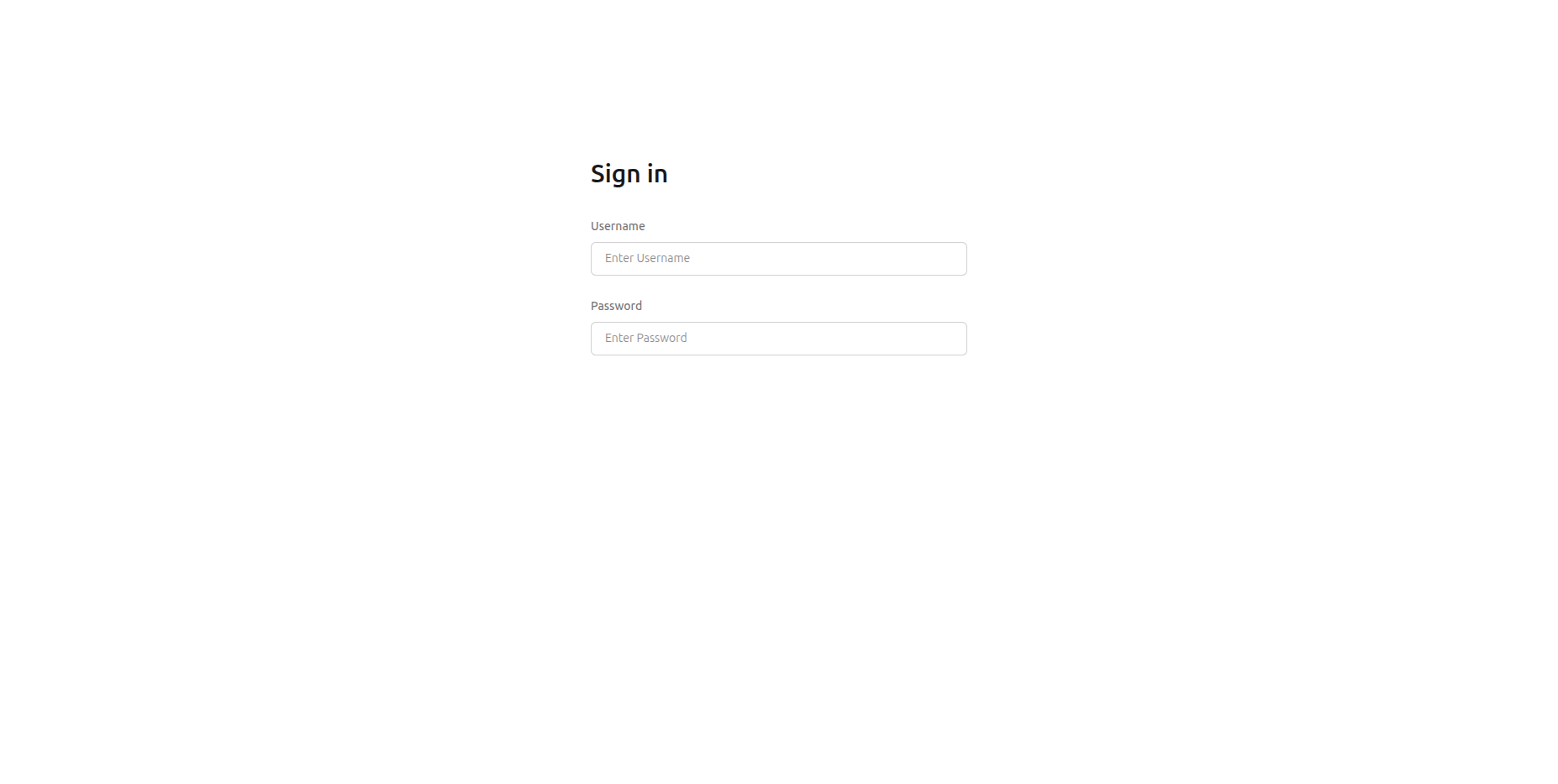

After entering a valid username and password, they are redirected to the form. The session is tied to the browser, so closing and reopening the browser requires logging in again.
Removing access
To revoke access for a specific user, remove the credential from the Web Form Config or delete the credential entirely.
Warning
Removing all credentials from an Endpoint makes the web form inaccessible. Assign a replacement credential before removing the existing one.