Fixed Inputs
Fixed inputs are values baked into an Endpoint at configuration time. They are fed into the Excel model with every request. The API consumer cannot see them or override them.
This is useful when the same Excel model needs to serve different consumers with different constants. Each consumer gets their own Endpoint with their specific values embedded. Because the values are fixed at the Endpoint level, consumers cannot manipulate them.
A common example: a commission calculation model with one commission rate per distributor. Each distributor gets their own Endpoint with their rate embedded. They call to the same Excel but get results calculated with their rate.
Configuring fixed inputs
Open the Endpoint in RuleX Admin and expand the Fixed Inputs section.
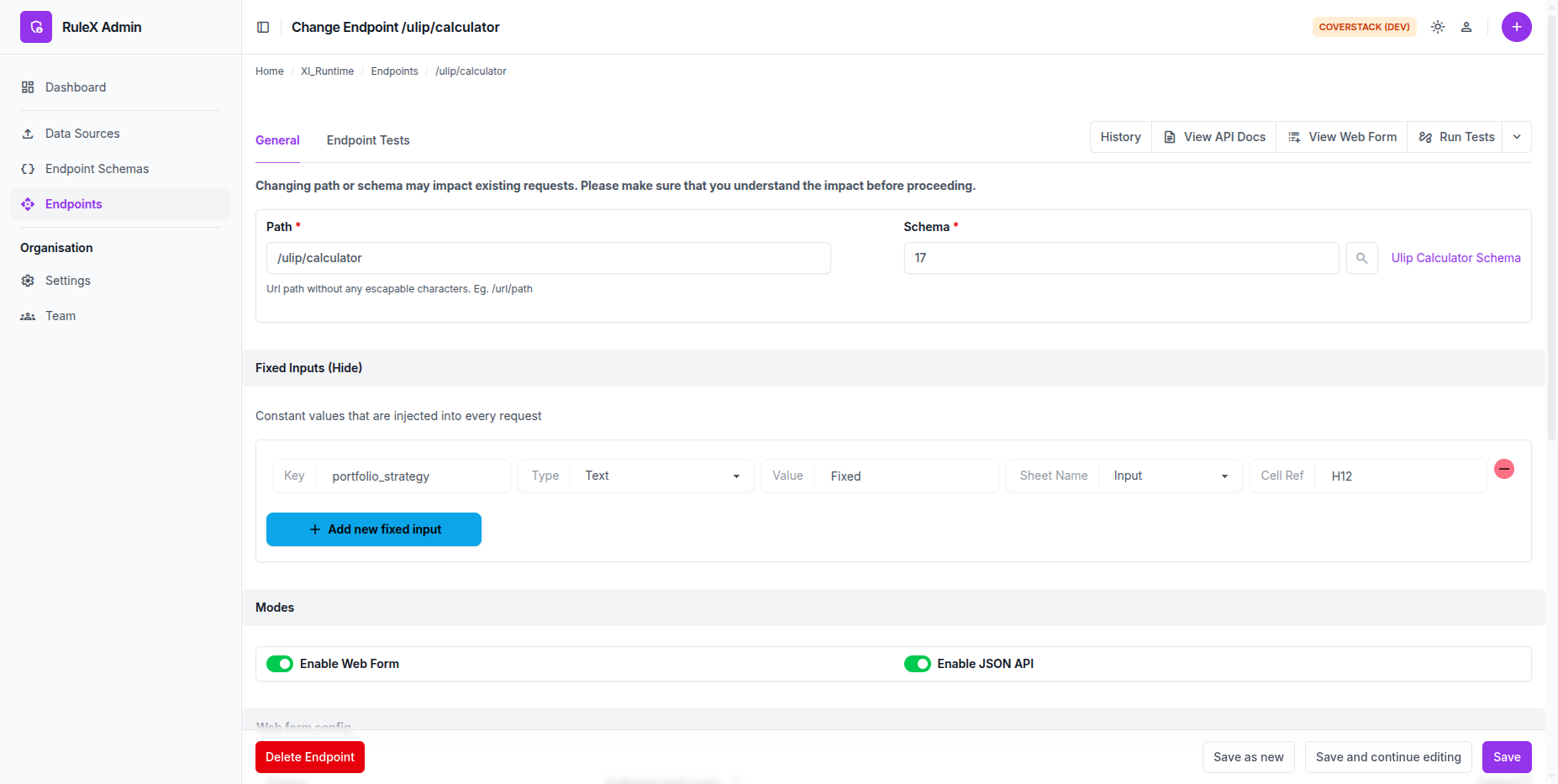
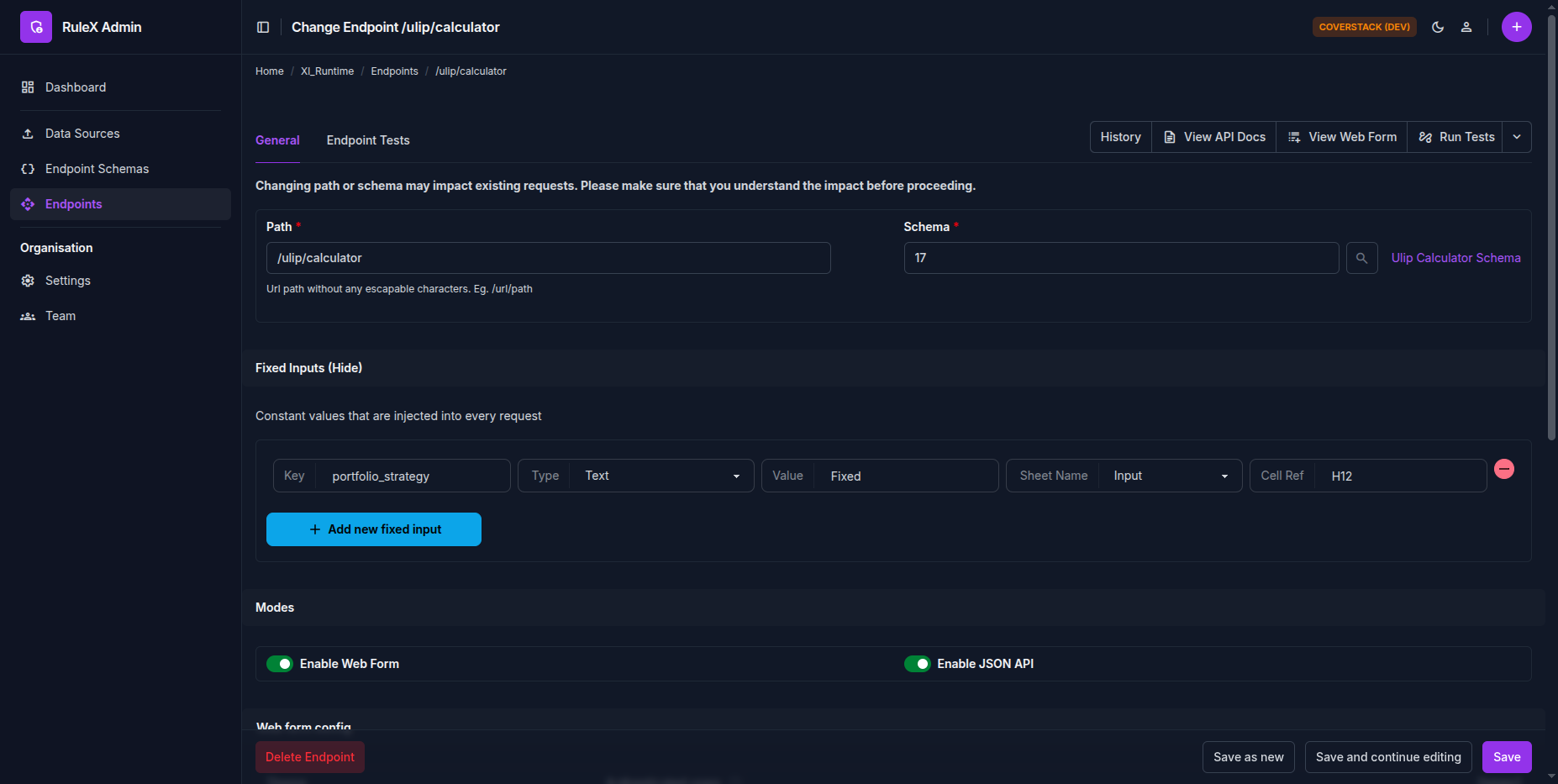
Each fixed input specifies:
- Key: Name of this input. This is only for your reference. It is not used anywhere.
- Type: the data type (Text, Integer, Decimal, Boolean, Date, or Date & Time)
- Value: the literal value to use on every request
- Cell reference: select the sheet from the dropdown and enter the cell address. Must be a static cell, the same as Schema inputs. Hidden and locked sheets are not available and will not appear in the dropdown.
Fixed inputs and the Schema
Fixed inputs are applied after the request body is parsed. If the same cell is referenced by both a Schema input and a fixed input, the fixed input takes precedence.
Fixed inputs are not shown in the API docs or the web form. They are completely invisible to the consumer.
Note
Fixed inputs are validated against any Data Validation rules configured in Excel. Because fixed inputs are invisible to the consumer, ensure each value satisfies the relevant validation rules before saving.