6. Add Fixed Inputs
Some of your bank partners run promotional savings campaigns with a guaranteed rate.
Rather than relying on the API consumer to pass the correct rate, you create a
dedicated endpoint for each bank and lock their rate in. The rate is invisible to the
consumer: they pass principal and years, and the model uses the promotional rate
automatically.
Fixed inputs are how you do this in RuleX. A fixed input is a value baked into an Endpoint at configuration time. It is applied to every request, and the consumer cannot see it or override it.
Create a partner-specific schema
A cell cannot be both a schema input and a fixed input. Since annual_rate is mapped
as an input in Savings Projection, you need a separate schema that leaves that cell
unmapped, so the fixed input can fill it.
- Open
Savings Projectionfrom Endpoint Schemas in RuleX Admin. - Update the name to
Savings Projection (Partner) Schema. - Click the minus button on the
annual_raterow to remove it from the inputs. - Click Save as new.
Create a partner-specific endpoint
- Click Add New Endpoint from the schema page.
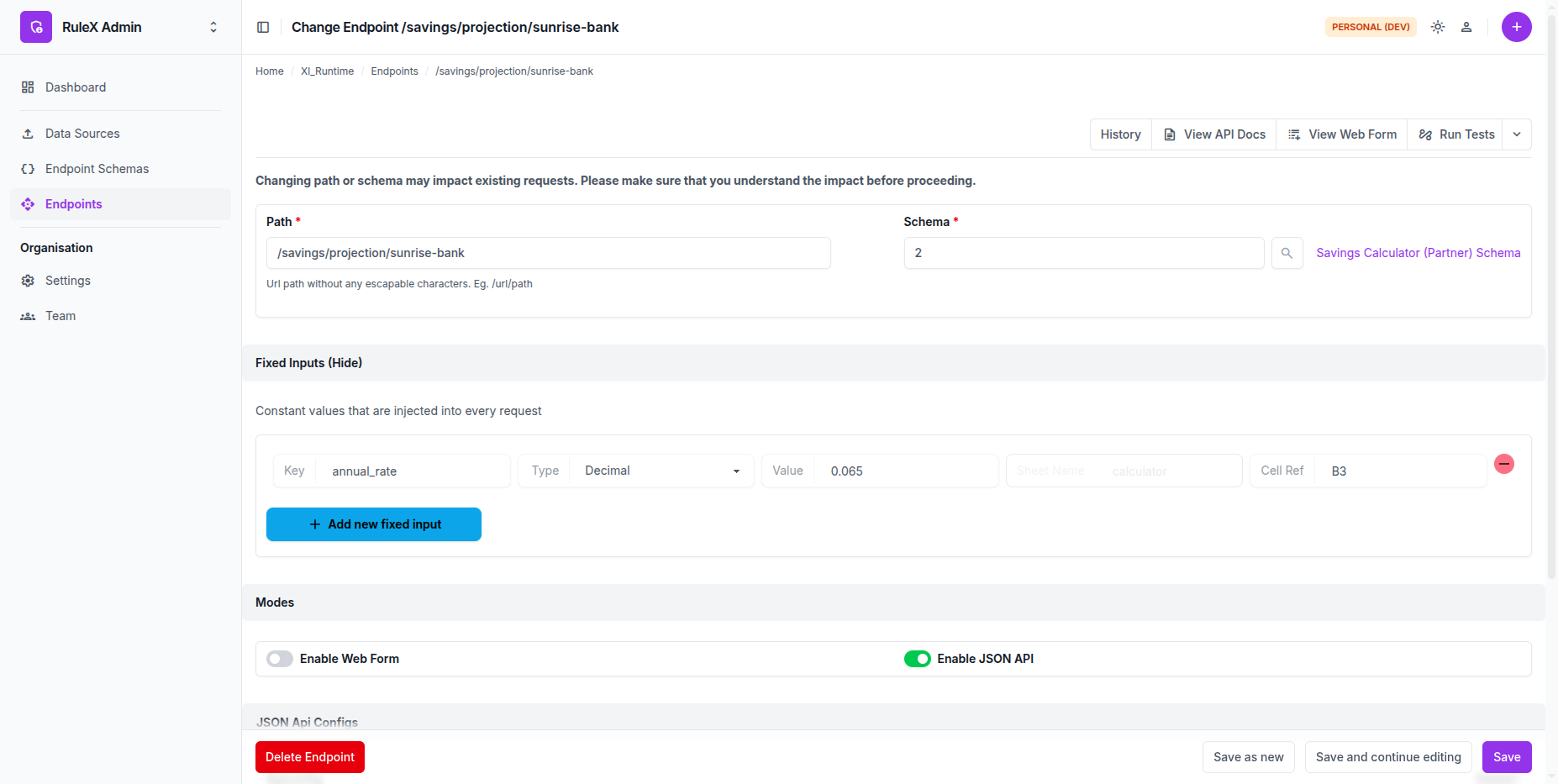
- Set the Path to
/savings/projection/sunrise-bank. - Enable JSON API under Modes and create an API Config named
Sunrise Bank. Share this key only with Sunrise Bank.
Lock in the rate
- Expand the Fixed Inputs section.
- Click Add new fixed input.
-
Fill in the fields:
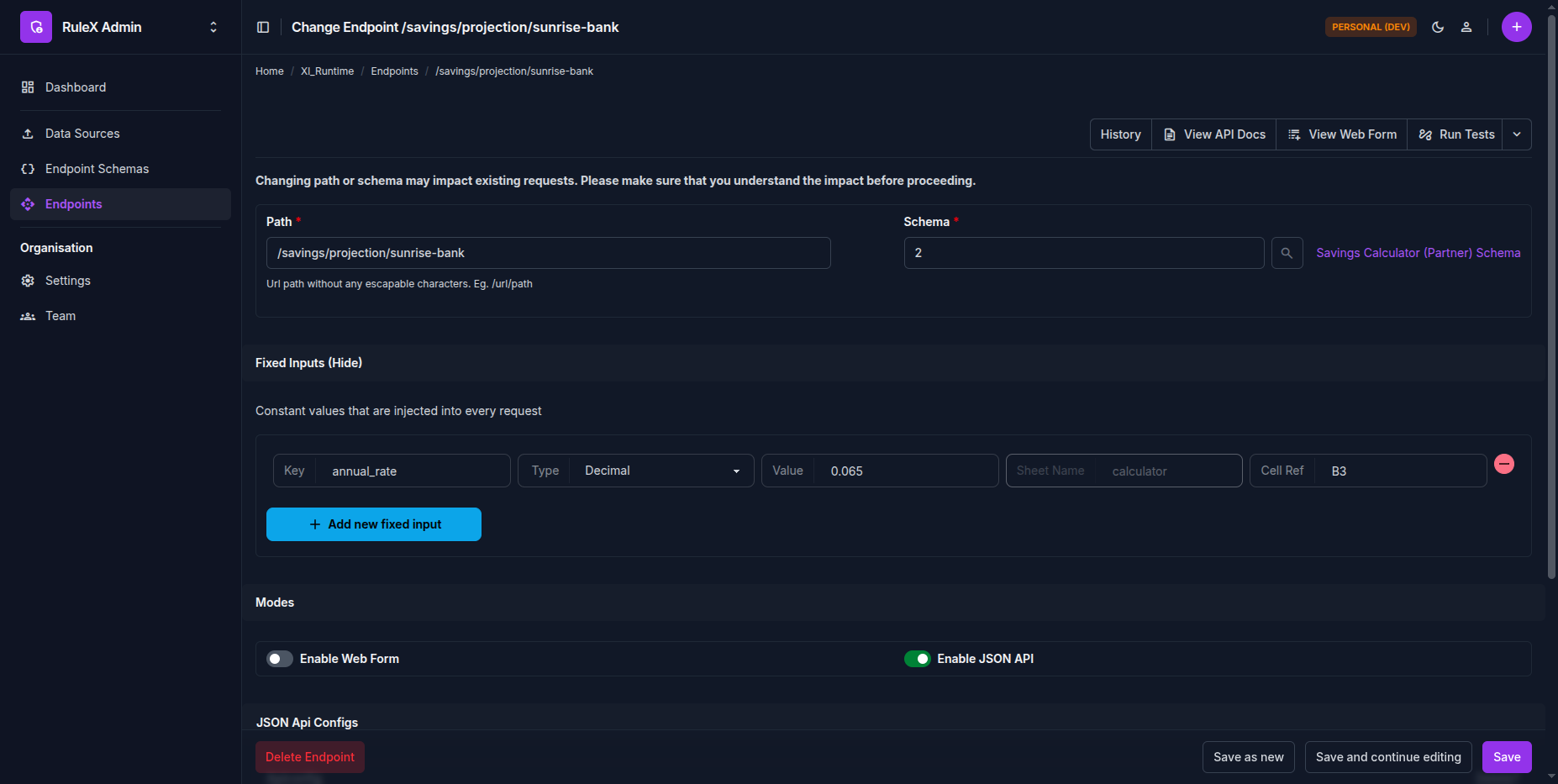
Name Value Type Value Sheet Name Cell Reference annual_rate Decimal 0.065 calculator B3 -
Click Save.
How Sunrise Bank calls the endpoint
Sunrise Bank sends principal and years. They do not pass annual_rate
and cannot see what value you have set.
POST https://<your-domain>/savings/projection/sunrise-bank
X-API-Key: <sunrise-bank-api-key>
Content-Type: application/json

{
  "principal": 10000,
  "years": 10
}
The model uses 0.065 for annual_rate. The response reflects the promotional rate,
and the final value is higher than the /savings/projection response because the
locked-in rate is more competitive.
Your original /savings/projection endpoint is unchanged. You can add endpoints for
other bank partners the same way, each with their own rate and API key.
A better approach for production
Storing the interest rate directly as a fixed input value means only RuleX Admin users can see what rate a partner is getting. That creates an audit and compliance gap, and moves business logic out of the spreadsheet, which is exactly the drift RuleX is designed to prevent.
A more maintainable pattern: fix the partner identifier (e.g. "sunrise-bank")
instead of the rate, and maintain a rate table inside the Excel model. Use
XLOOKUP to resolve the identifier to a rate at runtime.
C3 = XLOOKUP(partner_id, rate_table_ids, rate_table_rates, B3)
B3 holds the user-supplied annual_rate. C3 resolves the partner identifier to a
rate from the table, falling back to B3 if no match is found. The downstream
formulas reference C3 as the effective rate. This means the general
/savings/projection endpoint continues to work unchanged, while partner endpoints
pass an identifier and get the correct rate from the table automatically.
The rate table lives in the spreadsheet, so changes go through a normal Data Source update with a full audit trail. The rate itself is never embedded in RuleX config.