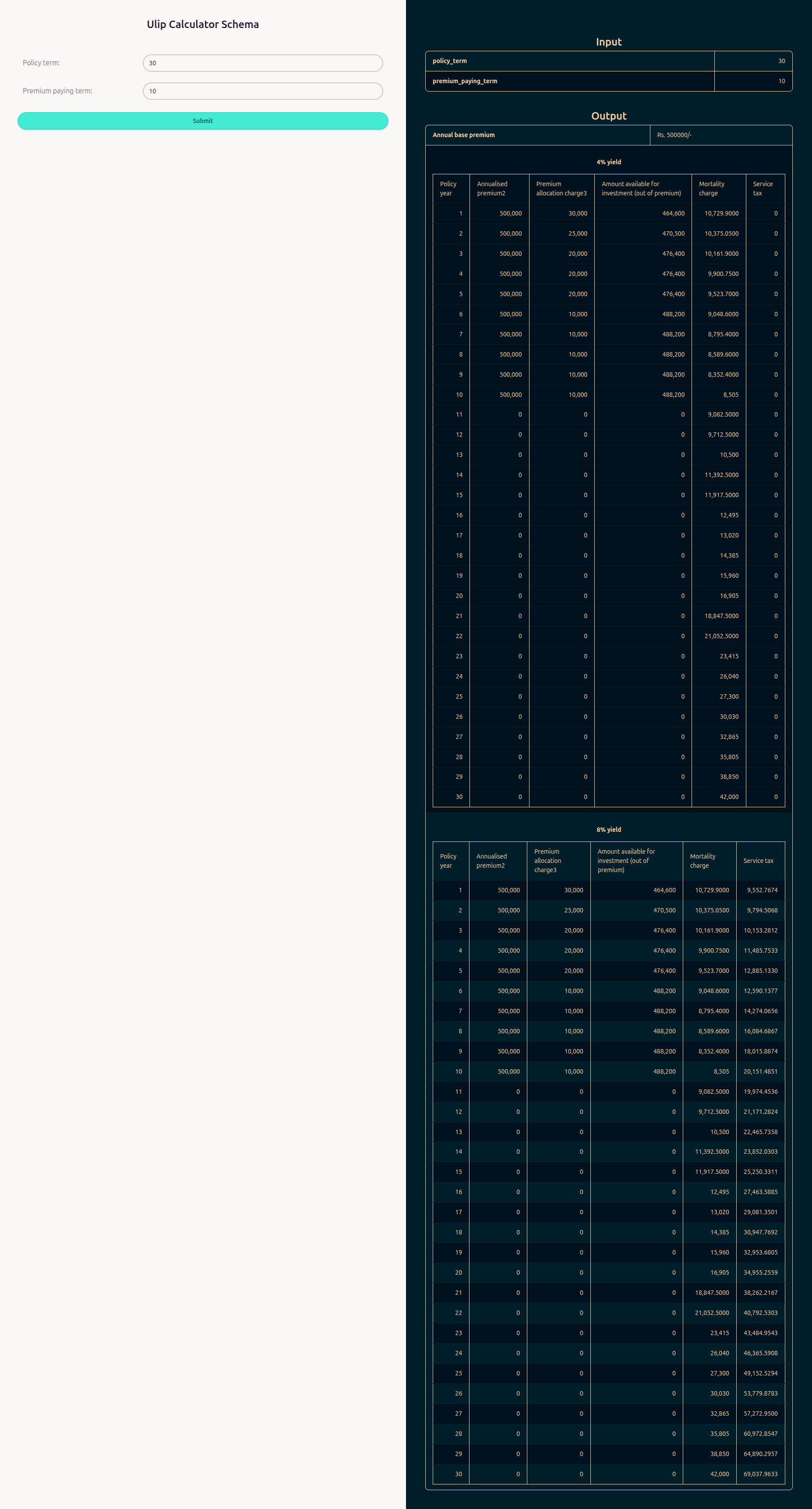
Web Form Themes
Full access feature
Web Form Themes require full hosted access. Learn more
Themes let you customise the appearance of your web forms using daisyUI. You can define separate styles for light mode and dark mode. RuleX applies the correct style based on the visitor's system preference.
Creating a theme
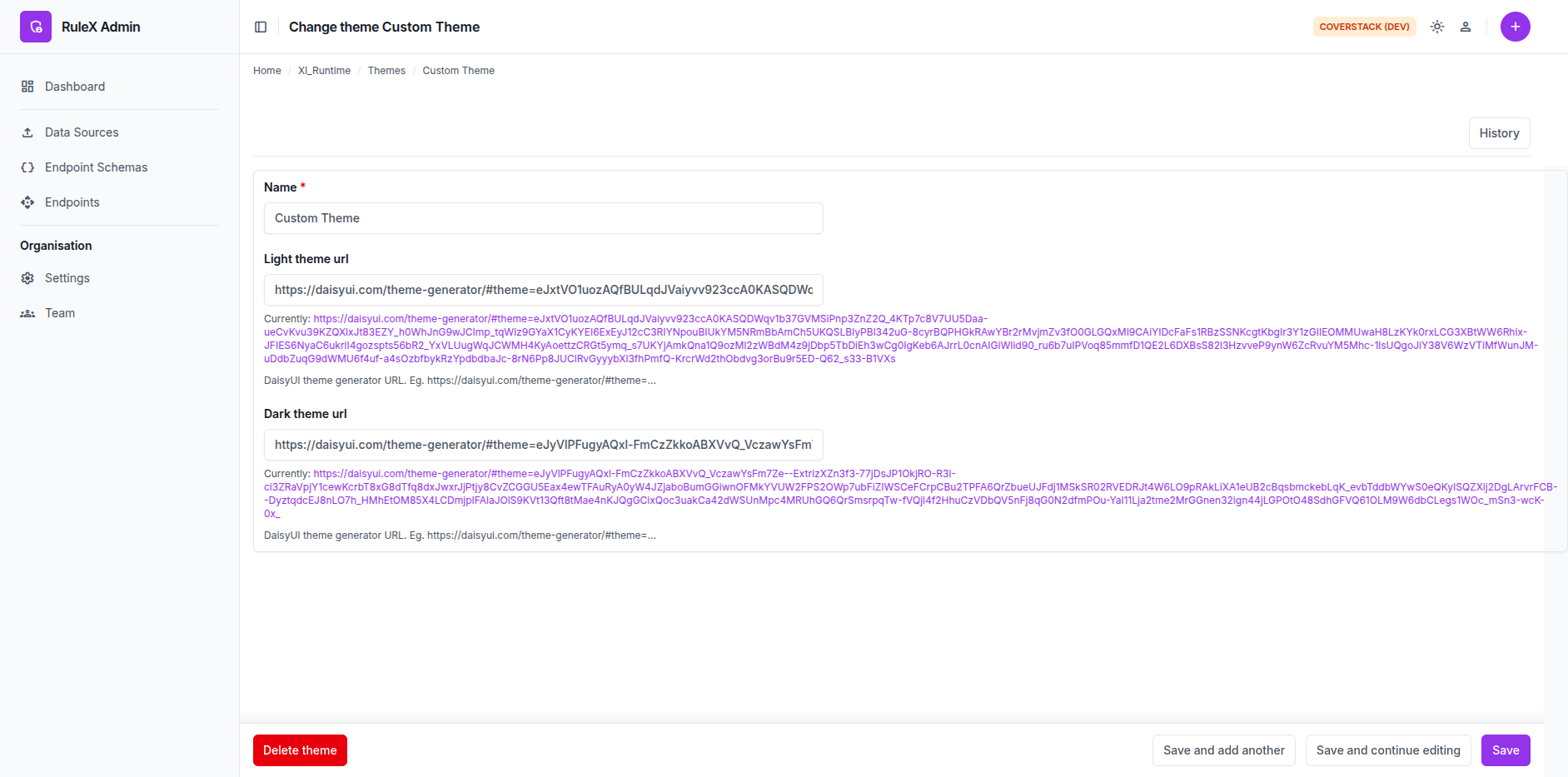
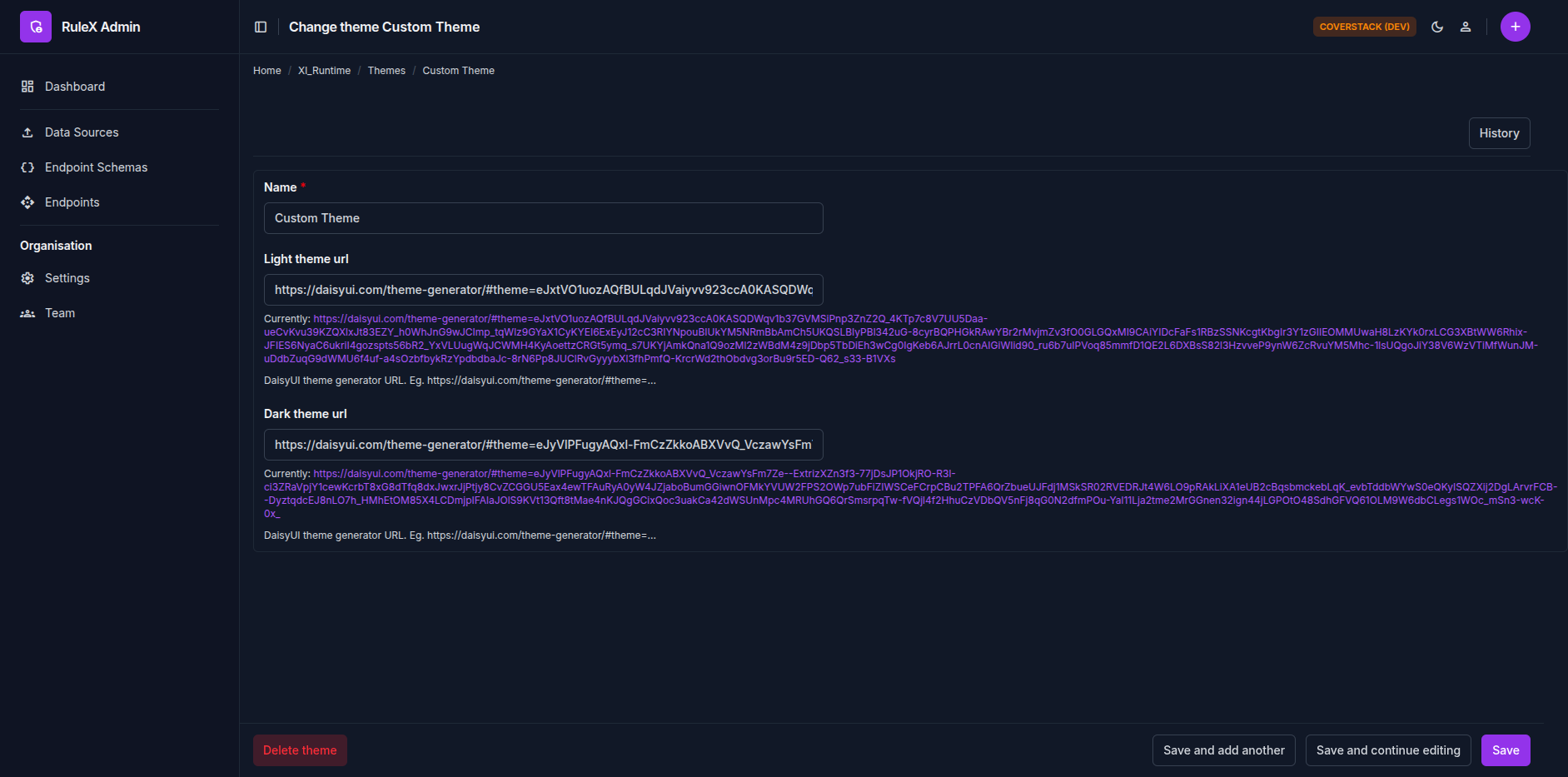
Go to the Endpoint in RuleX Admin and click the plus button (+) in Theme field of Web form config section. Give it a name, and save.
Open the daisyUI theme generator and customise your colours.
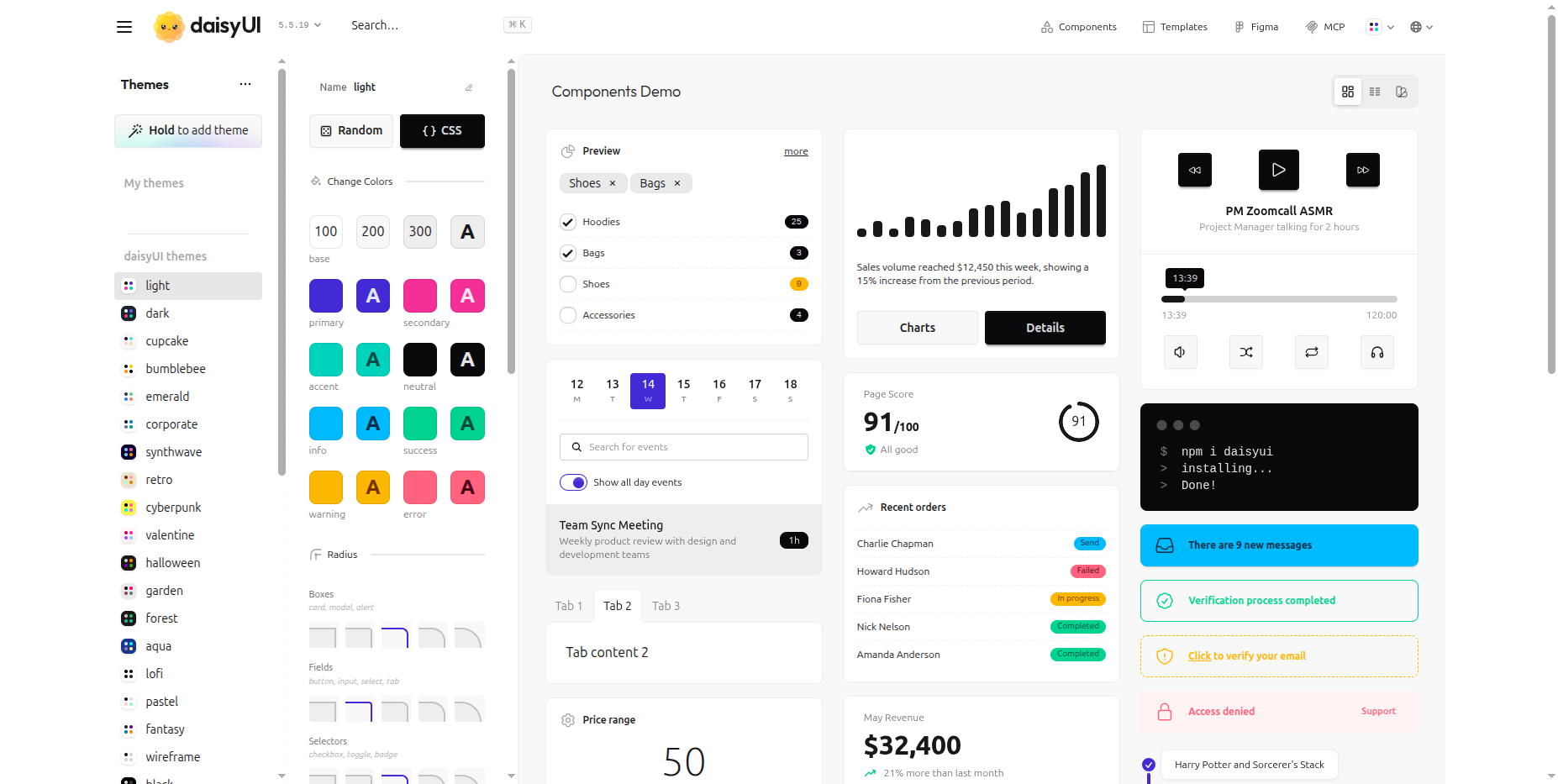
Copy the URL from the browser address bar and paste it into the Light theme URL or Dark theme URL field. You can provide one or both.
- If you provide both, RuleX applies each based on the visitor's system preference.
- If you provide only a light theme, it is used in light mode only. Dark mode falls back to the default styling.
- If you provide only a dark theme, it is used in dark mode only.
Styled Web Form