Getting Started
RuleX turns Excel models into APIs. You upload your spreadsheet, configure which cells are inputs and which are outputs, and get a URL that any application can call.
The business logic stays in Excel. If the spreadsheet gives the right answer, the API gives the right answer.
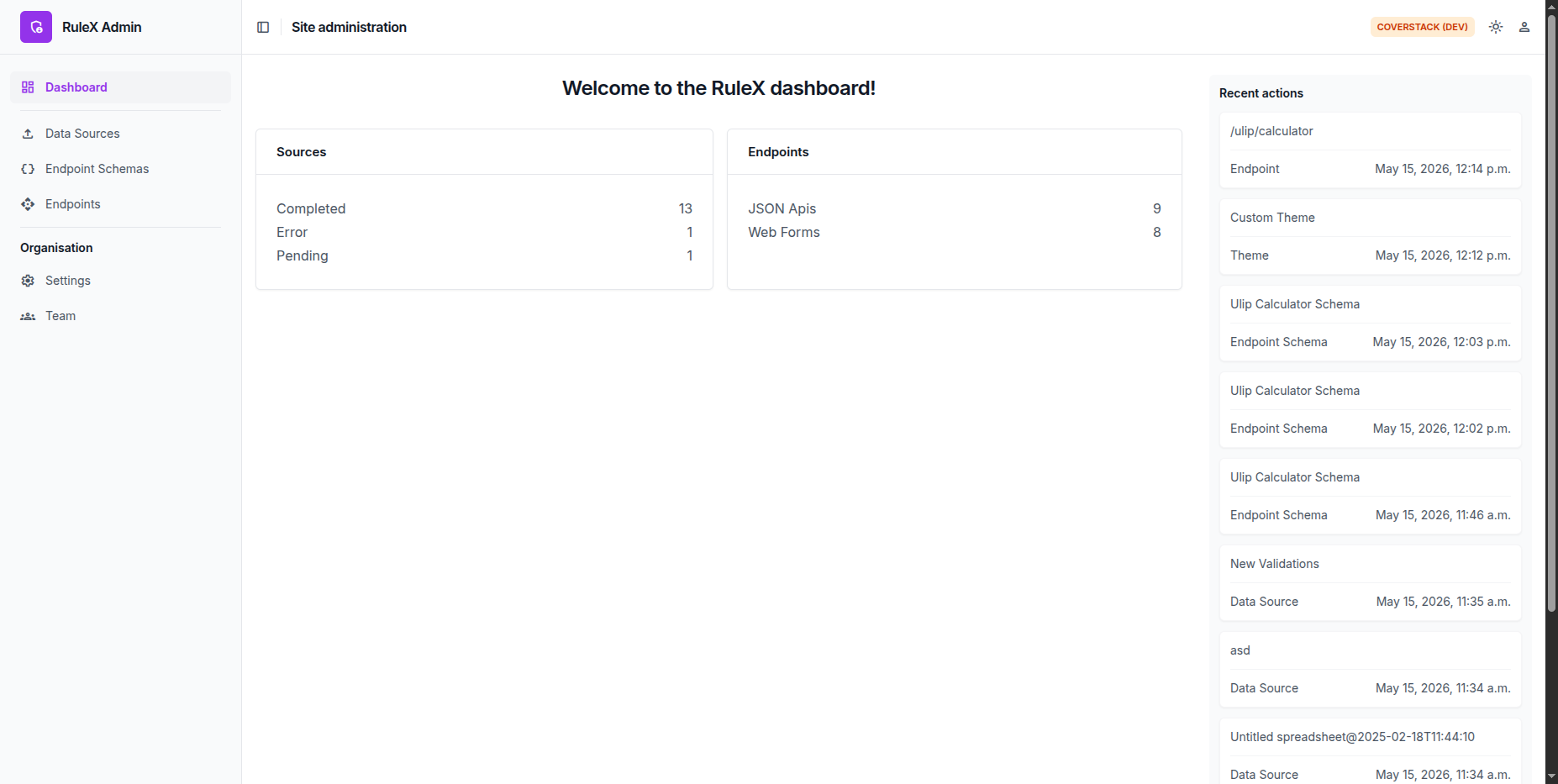
How it works
Setting up an API takes three steps:
- Upload your Excel file as a Data Source.
- Define an Endpoint Schema: map request fields to input cells and response fields to output cells.
- Create an Endpoint: assign a URL path, attach an API key, and the API is live.
The Endpoint URL works as a JSON API, a browser-accessible web form, or both.
Try it for free
Visit demo.rulex.coverstack.in to create a free account. The demo lets you upload Excel files, configure Schemas and Endpoints, and export Endpoints for self-hosting.
There is no limit on the number of Excel files, Endpoints, or team members.
Some features require full hosted access. See Full Access Features for details, or contact support@coverstack.in to get started.