3. Create an Endpoint
An Endpoint is the URL your bank partners call to run the model. It is backed by a Schema, which defines the inputs and outputs they work with.
Create the Endpoint
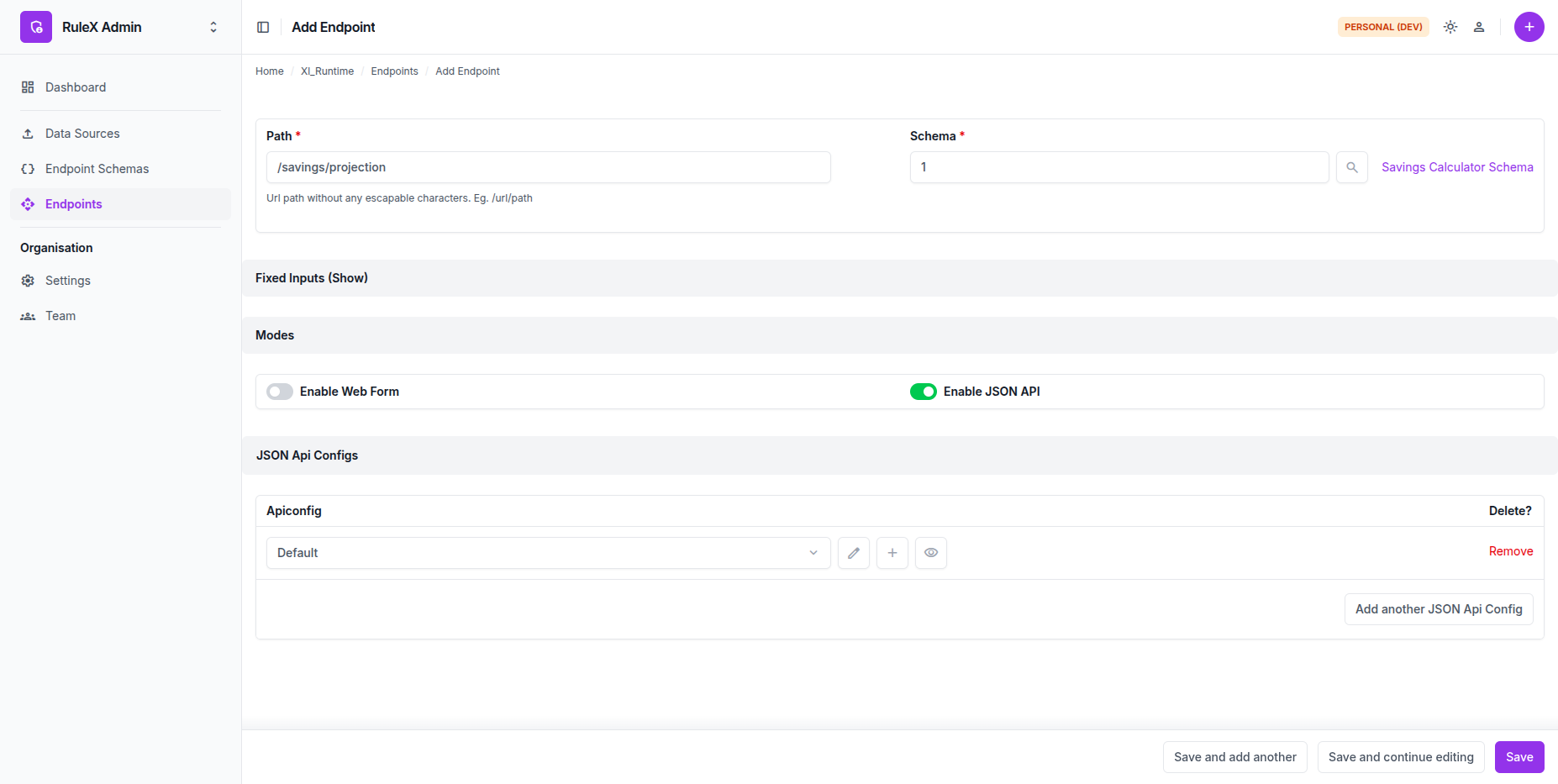
- Go to Endpoint Schemas in RuleX Admin and open
Savings Projection. -
Click Add New Endpoint.
The schema link is pre-filled.
-
Set the Path to
/savings/projection.
Enable JSON API mode
To accept HTTP requests from your bank partners, enable JSON API mode and attach an API Config. The API Config is the source of the API key you will share with each partner.
- Under Modes, enable JSON API.
- Next to JSON API Configs, click the + button.
- Name the config
Defaultand click Save.
RuleX generates a 64-character API key automatically. Click the eye button next to the API Config to reveal it. This is the key you share with your bank partners.
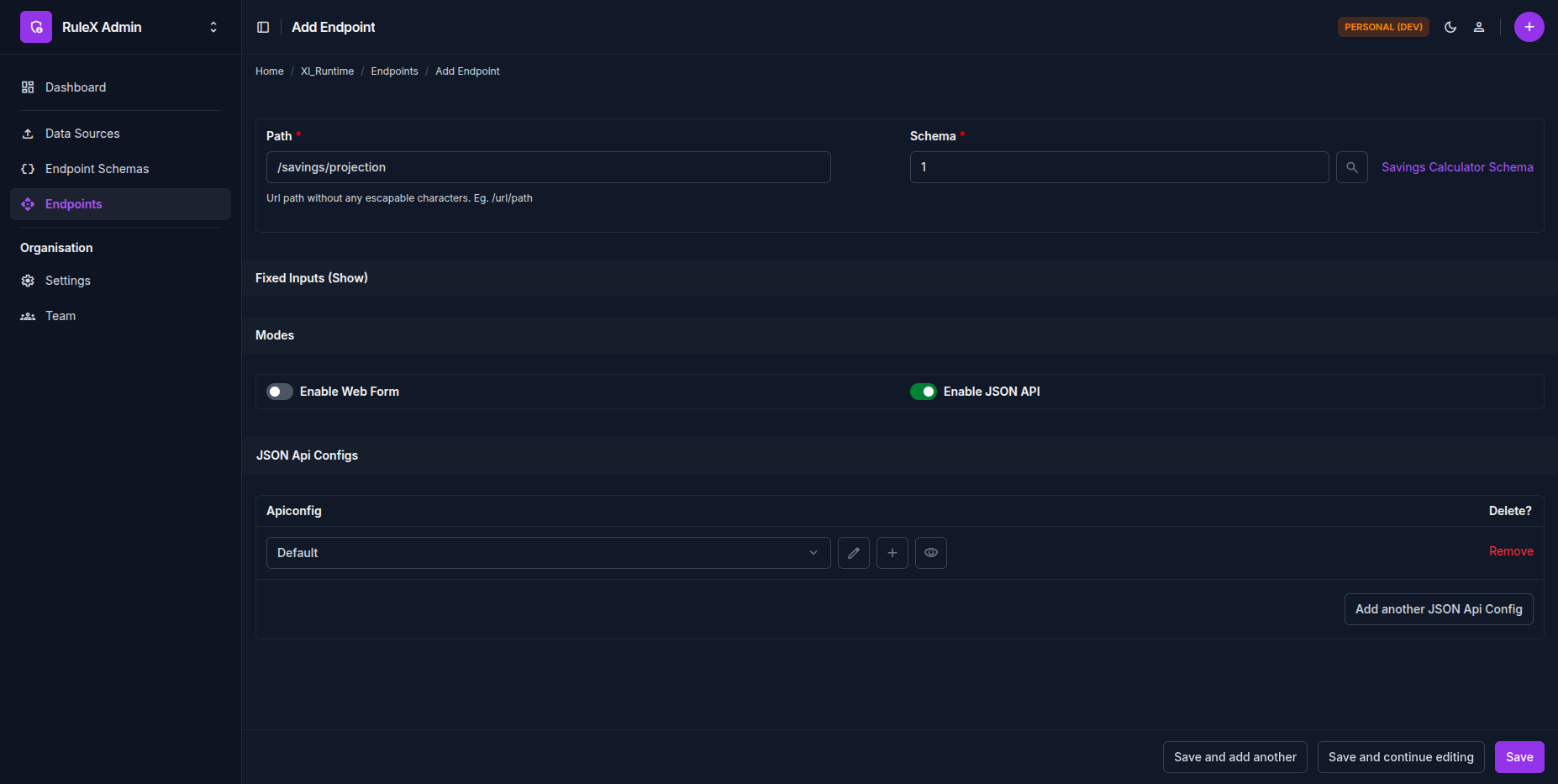
Once the Data Source compilation is Completed and the API Config is assigned,
the Endpoint status changes to Deployed. Your bank partners can now send requests
to /savings/projection.