Data Sources
A Data Source is your Excel model. It is the foundation for everything else in RuleX.
Adding a Data Source
Go to Data Sources in RuleX Admin and click Add Data Source (top right corner).
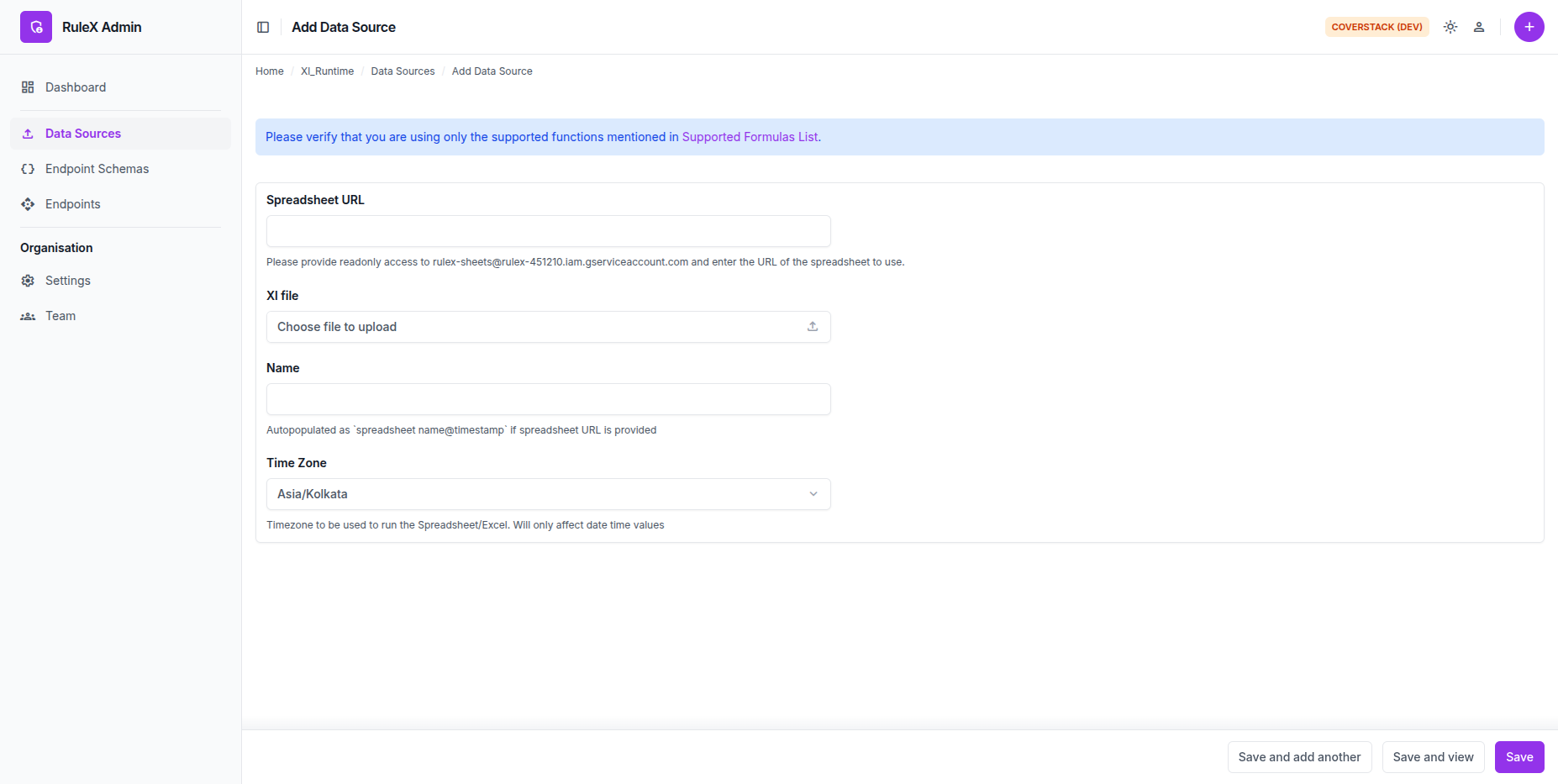
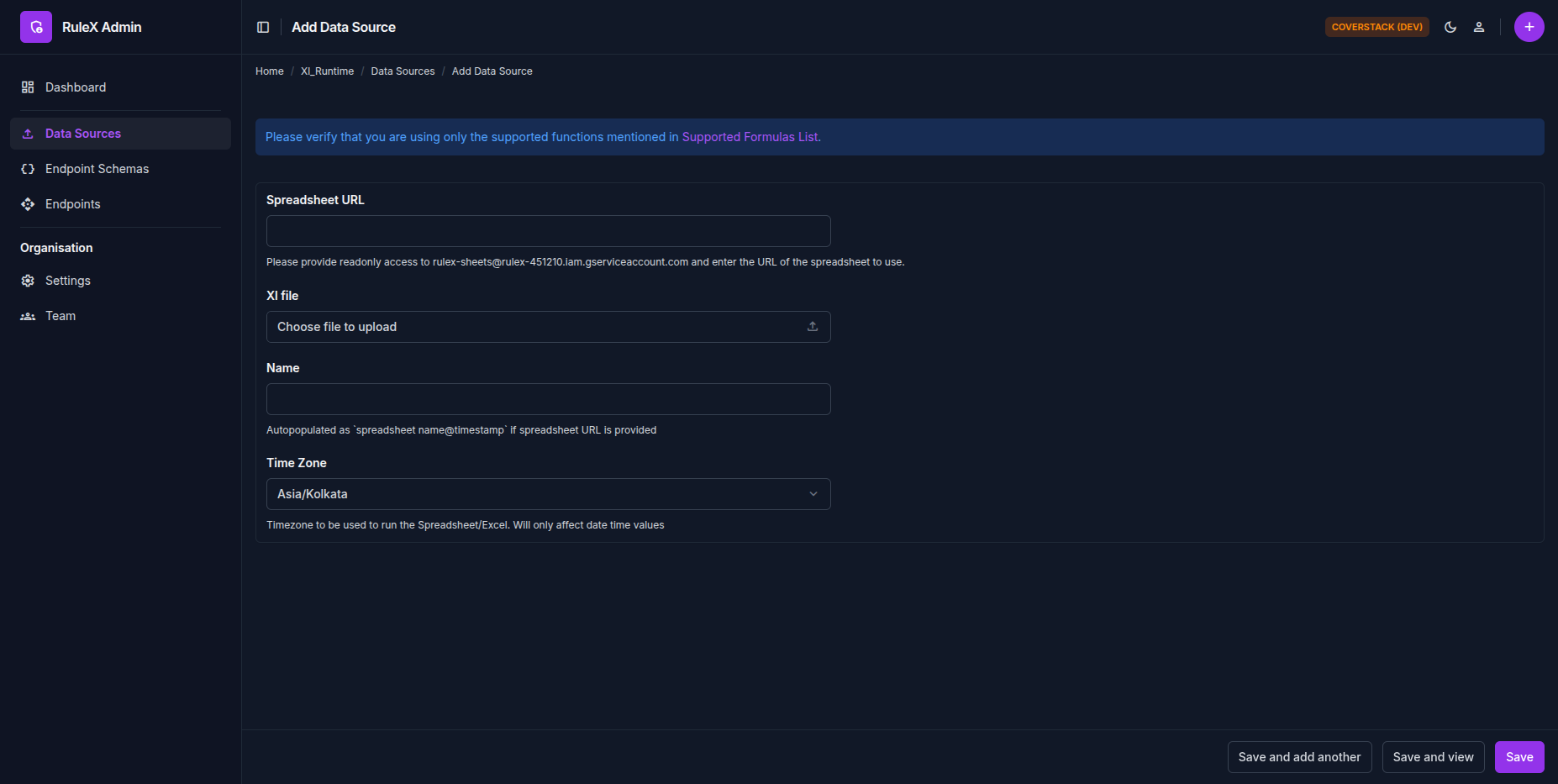
You can provide your model in two ways:
- Upload an Excel file: upload a
.xlsxfile from your computer. - Import from Google Sheets: paste the URL of a Google Sheet. RuleX downloads it as an Excel file.
Give the Source a name. If your model uses date or datetime values, set the timezone. The timezone controls how date and datetime inputs are interpreted when the model runs.
Note
On demo.rulex.coverstack.in, the Excel file size is limited to 2.5 MB for both options. This covers the vast majority of use cases.
Build status
After you save a Data Source, RuleX compiles it in the background. The Data Sources list shows the build status for each Source.
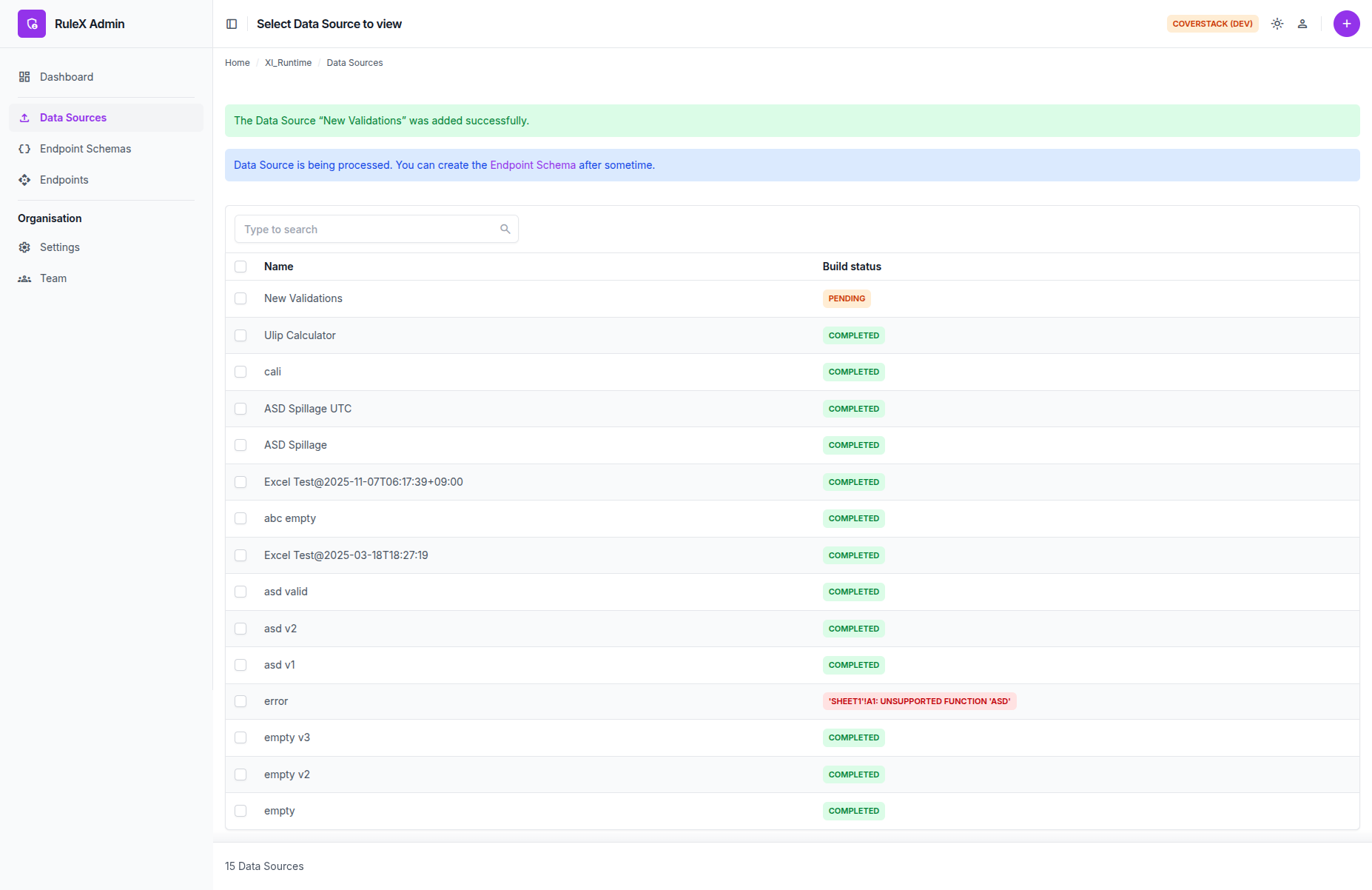
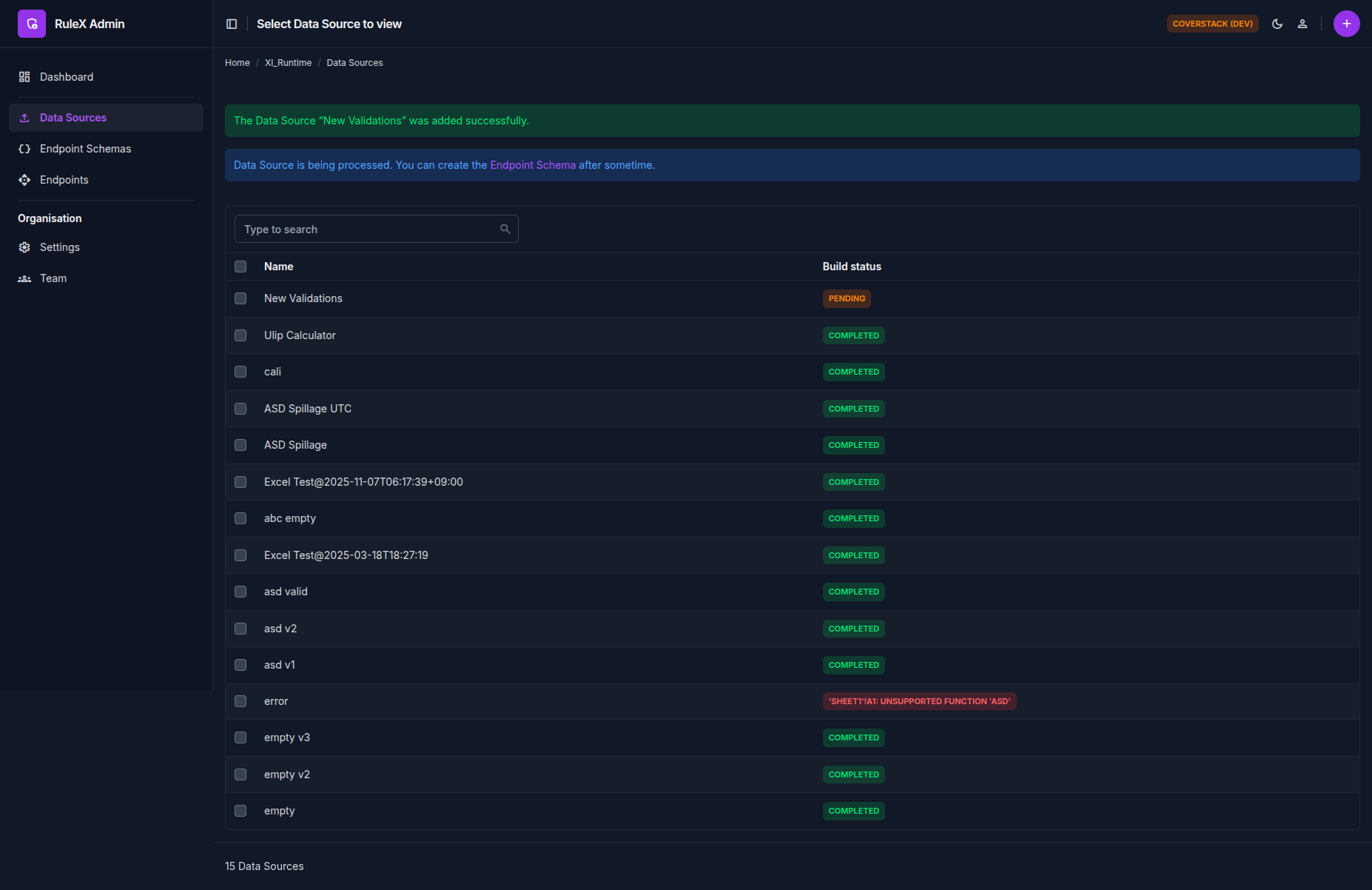
| Status | Meaning |
|---|---|
| Pending | Compilation is queued or in progress |
| Completed | The Source is ready |
| Error | Compilation failed. Check that all formulas are supported. |
You can define a Schema against a Source once metadata has been built. It usually takes less than a minute to build the metadata. Endpoints are not available until the build is Completed.
Sources are immutable
Once created, a Data Source cannot be modified. If you need to update your model, upload a new Source and point your existing Schema at it. Your Endpoints continue working without any changes.
Cell constraints
Only static cells (cells that contain a value, not a formula) can be used as inputs. Formula cells are evaluated by RuleX at runtime and cannot be overridden from outside.
If you try to map an input to a formula cell, RuleX will reject the Schema. Plan your input cells as plain value cells before uploading.