Exporting Endpoints
You can export JSON API Endpoints as a self-contained ZIP file and run them on your own infrastructure. Web form Endpoints cannot be exported.
Selecting Endpoints to export
Go to Endpoints in RuleX Admin. Select the Endpoints you want to export using the checkboxes, then choose Export selected APIs from the Actions menu.
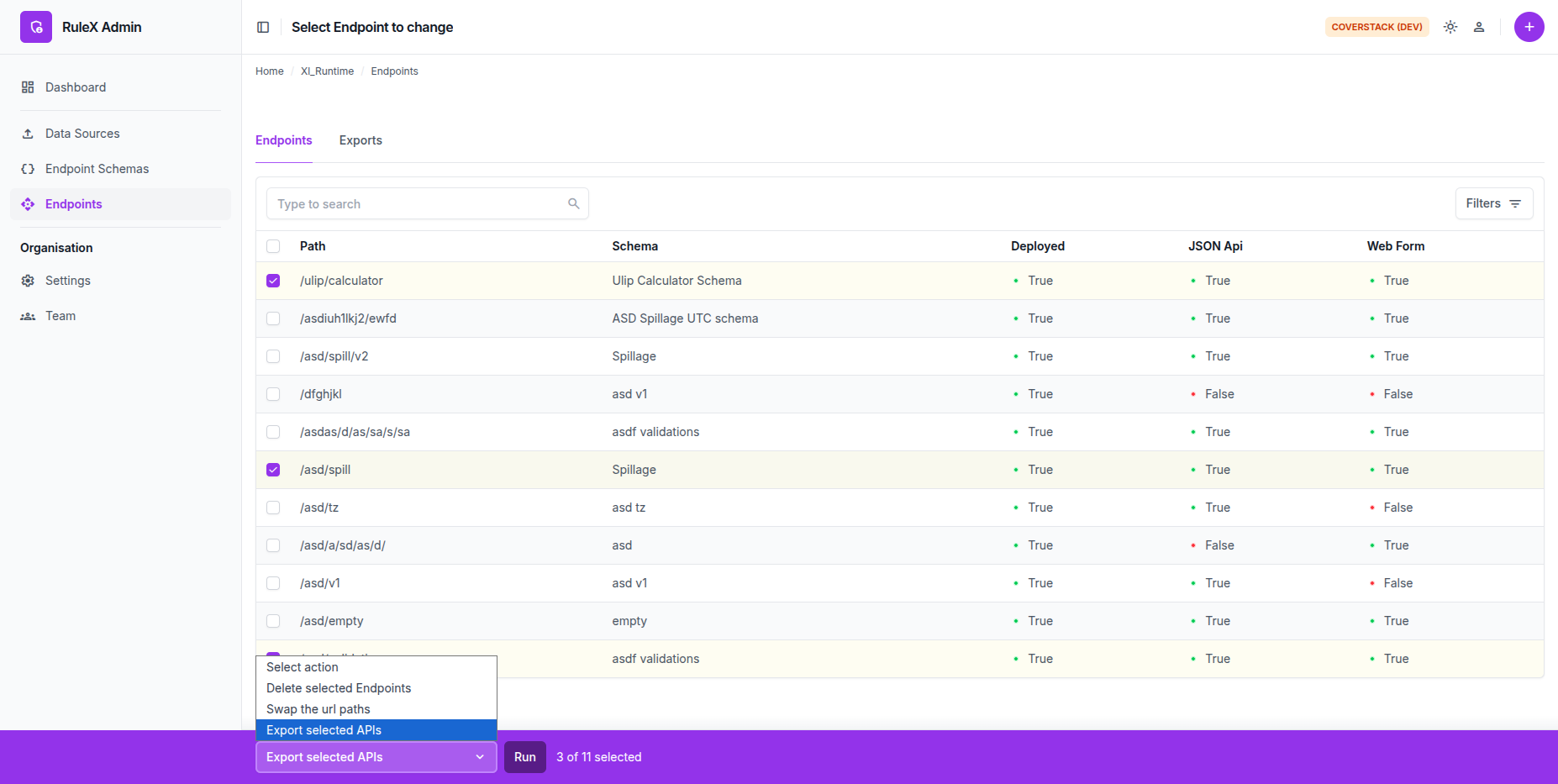
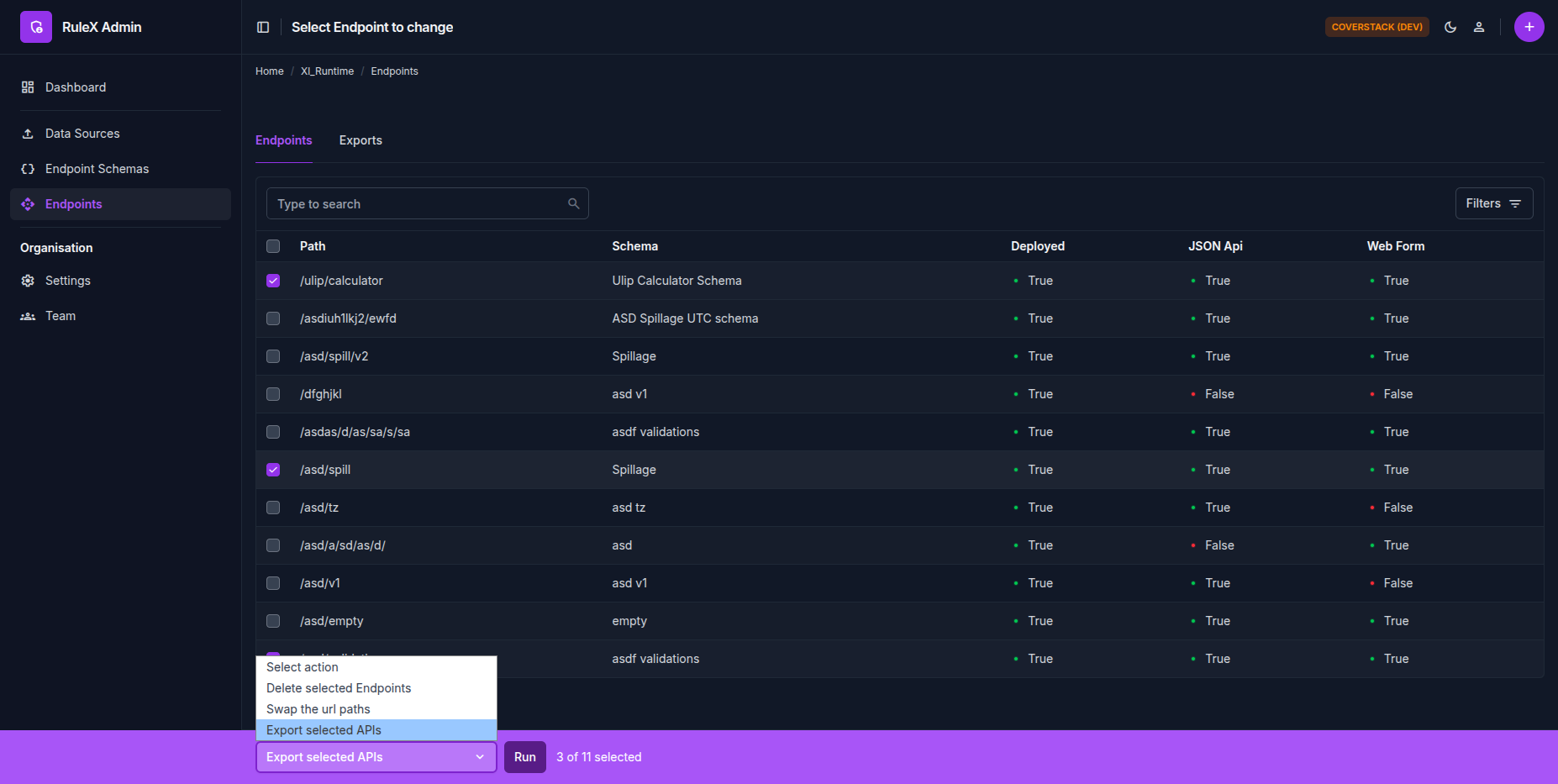
Only Endpoints that have an API Config assigned can be exported.
Export job
The export runs in the background. RuleX redirects you to the export job status page, where you can track progress.
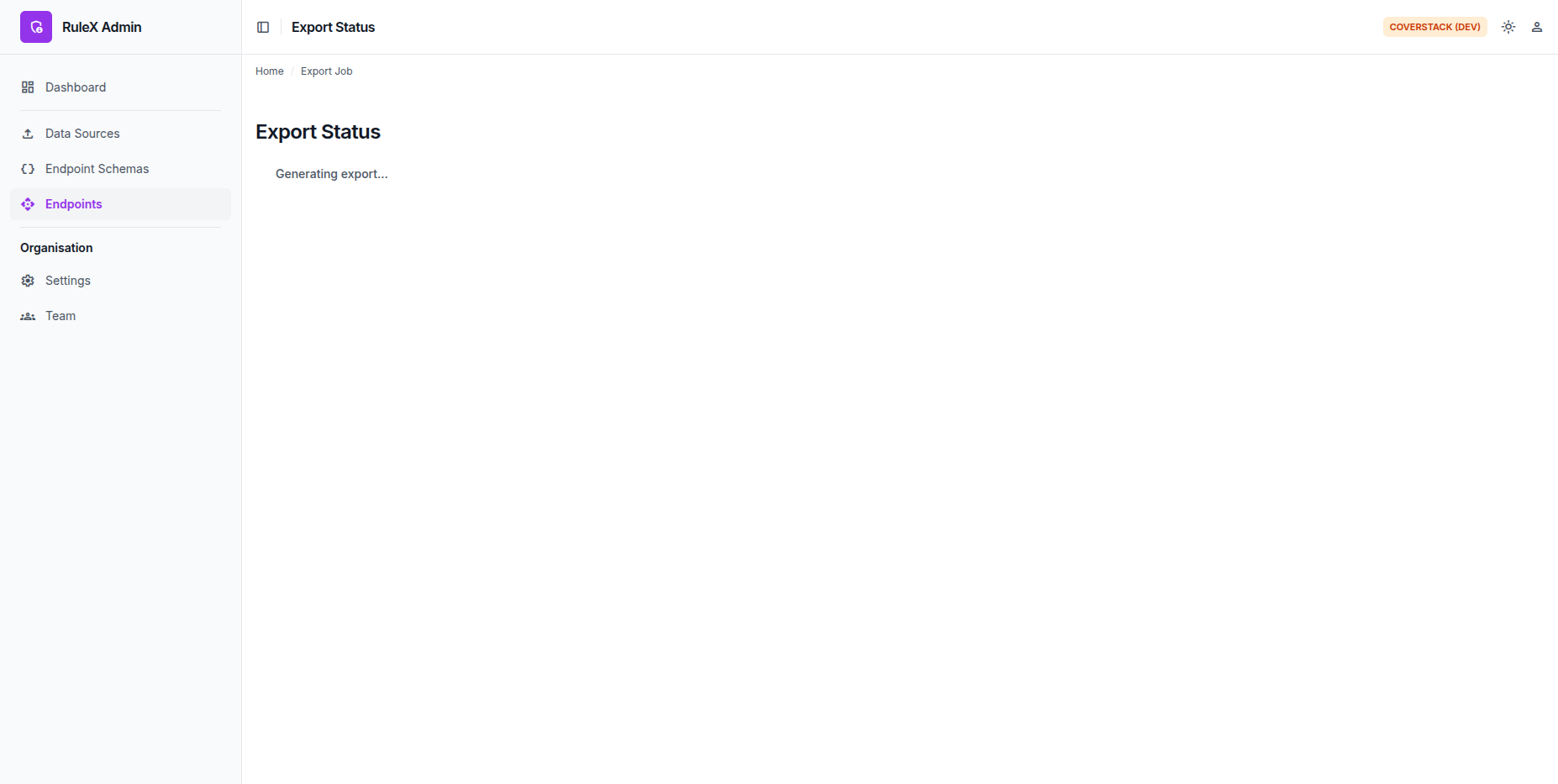
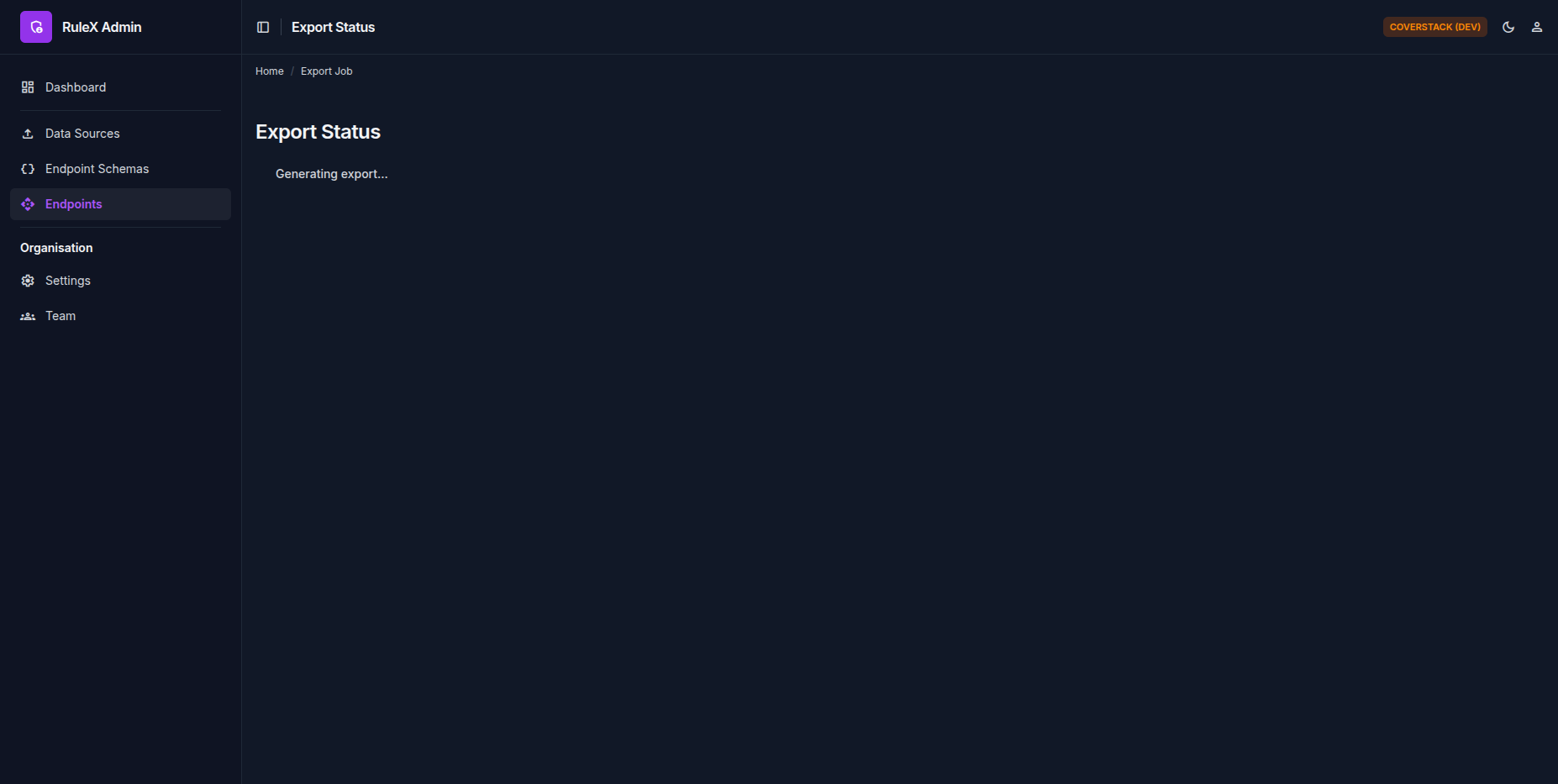
Once the job completes, click Download to save the ZIP file. The download link is available for a limited time. Re-export at any time to get a fresh copy.
What is in the ZIP
The ZIP contains:
server.py   - HTTP server script
rulex.zip   - Python package containing the endpoint data, WebAssembly modules and executables
LICENSE     - BSD Zero Clause License
README.md   - Setup instructions
The exported ZIP is entirely self-contained. It does not call back to RuleX servers at runtime, which makes it suitable for air-gapped environments.
Everything in the ZIP is under the BSD Zero Clause License, a permissive license with no attribution requirement.